
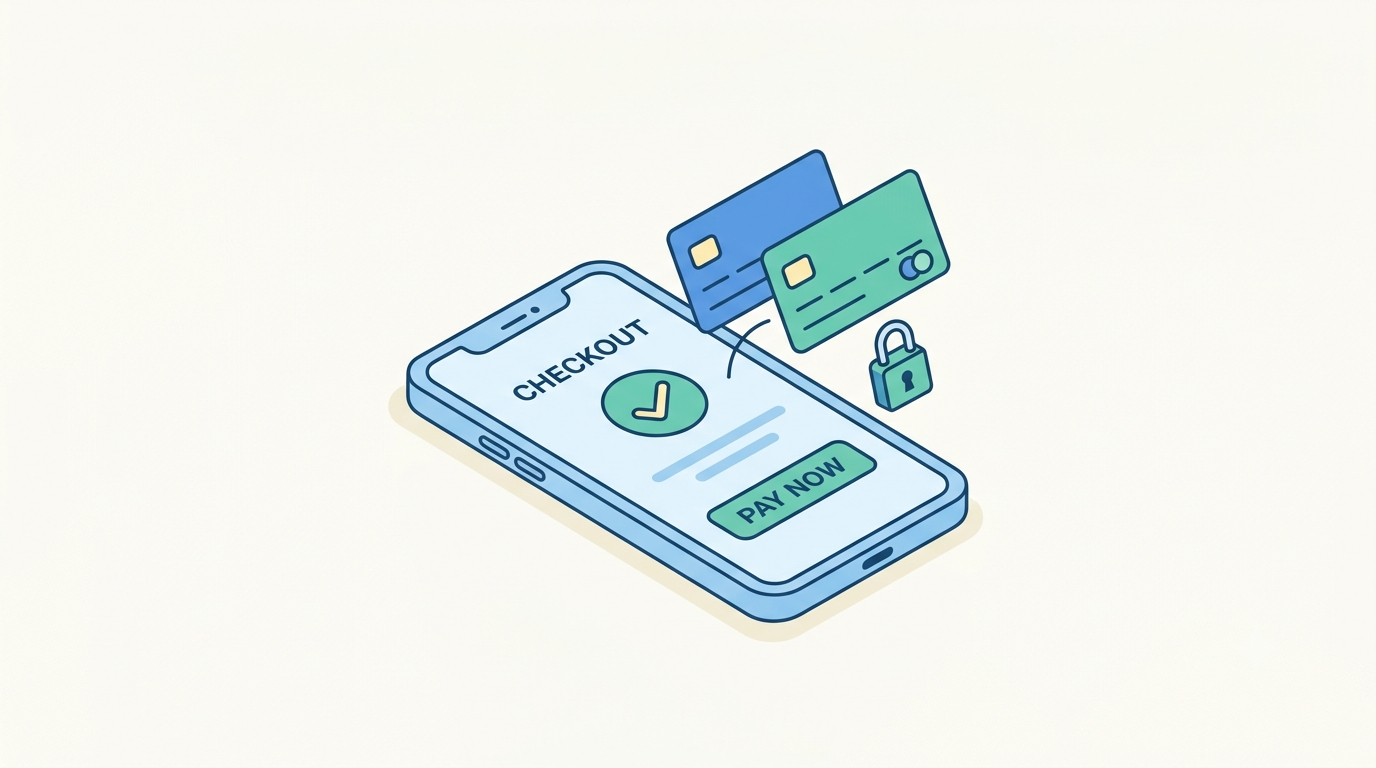
Most lost sales never look like lost sales. A customer fills the cart, enters their details, reaches checkout, and simply disappears. Not because the product was wrong, but because the payment step got in the way. A slow page, a missing payment method, or an unexpected redirect is often all it takes. This is why the payment gateway behind a website matters nearly as much as what the website sells.
Stripe is a payment platform that lets businesses accept online payments through websites, apps, and custom software. It does this without requiring businesses to build the underlying financial infrastructure themselves. It suits eCommerce stores, subscription services, marketplaces, and SaaS platforms alike. It handles everything from a single purchase to recurring billing across multiple currencies. This guide explains what Stripe does, how integration works in practice, and what to weigh before connecting it to a website or application.
What stripe actually does
Rather than processing card payments manually or relying on offline transfers, Stripe handles the work behind the scenes. That includes authorisation, fraud detection, currency conversion, recurring billing, refunds, and reporting. Through it, a business can accept credit and debit cards, Apple Pay, Google Pay, and other digital wallets. Depending on the region, it also supports bank transfers and, where available, Buy Now Pay Later options.
Millions of businesses rely on it today. It is developer friendly and stays reliable at any scale, from a small subscription service to a large marketplace. Checkout tends to be fast, with few unnecessary steps, which in turn helps reduce cart abandonment. Coverage also extends across many countries and currencies. That makes international expansion considerably easier than it would be with a regional-only provider. Security is strong throughout. Stripe follows PCI DSS, the industry standard for handling card data safely, and includes built-in fraud detection through a feature called Radar.
What stripe integration involves
Stripe integration means connecting Stripe to a website or application so customers can pay directly, without manual invoicing or offline confirmation. Once set up, payments process automatically. The resulting data, orders, subscriptions, refunds, feeds back into the business system in real time. Depending on the business, this can take several forms: website checkout, WooCommerce payments, WordPress payment forms, subscription billing, donation forms, booking systems, or payments built directly into a custom application. The right form depends entirely on how the business already operates online.

Stripe on WordPress and WooCommerce
WordPress powers a large share of websites, so WordPress Stripe integration is one of the most common setups businesses ask for. For stores running WooCommerce, dedicated payment gateway plugins connect Stripe directly to checkout. Orders update automatically once payment succeeds. This approach works well for shops selling physical products, digital downloads, or gift cards. For businesses currently on Wix or Squarespace whose payment requirements have grown beyond what the built-in tools can handle, moving to WordPress first is what makes a proper Stripe integration possible.
Not every business needs a full online shop, however. Many simply need a way for visitors to pay for consultations, service deposits, memberships, donations, or event registrations. A standalone Stripe payment form handles that without the overhead of a complete storefront. Businesses offering ongoing services can go a step further and automate recurring billing altogether, so subscriptions renew and invoices generate without manual follow-up each month.
Custom Stripe integrations
Businesses that outgrow standard plugins usually move toward a custom Stripe integration built with the Stripe API directly. This is common for SaaS platforms, customer portals, marketplaces, learning management systems, and internal business systems. These need payment logic shaped around a specific workflow rather than adapted to someone else’s template. Here, a development team controls the entire flow, from how a customer is charged to how that data is stored and reported. That gives far more flexibility than a plugin ever could.
Features businesses often overlook
Stripe is frequently associated only with card processing, yet it offers considerably more once a business looks past the checkout page. Subscription management allows automatic monthly or annual billing without manual intervention. A built-in customer portal lets customers update payment methods and download invoices themselves, which in turn reduces support requests. Stripe can also generate professional invoices and create payment links for one-off transactions without a full checkout build. On the reporting side, a central dashboard tracks revenue, refunds, payouts, and customer activity. That gives decision-makers a clear financial picture without needing to pull data manually.
Common integration mistakes
Most payment problems trace back to how a business implemented Stripe rather than any shortcoming in Stripe itself. A handful of mistakes show up again and again, and each one is avoidable with a bit of planning.

- Running multiple payment plugins at once.
It is tempting to add a second or third plugin to cover extra payment methods. Competing plugins often conflict with each other, slow checkout down, or create duplicate order records. In most cases, one well-configured integration already covers more payment methods than a business expects, so stacking another plugin rarely solves the problem it was meant to fix. - Treating mobile as an afterthought.
Most online purchases now happen on a phone, yet many checkout flows are still designed and tested primarily on desktop. A checkout that looks polished on a laptop can break down on a smaller screen through cramped form fields or payment buttons that are awkward to tap. Mobile visitors rarely complain; they simply leave. That is why this mistake tends to go unnoticed until sales data is reviewed closely. - Leaving customers without clear payment feedback.
When a payment succeeds or fails, the customer needs to know immediately and in plain language. Weak error handling, a blank screen, a generic error code, or no confirmation at all leaves customers unsure whether they have been charged. That often leads to duplicate attempts or support tickets that a clear message would have prevented. - Skipping or misconfiguring webhooks.
Webhooks are what keep a website updated after something happens on Stripe’s side: a successful payment, a refund, or a subscription renewal. Without them properly configured, a website has no reliable way of knowing what actually happened. Orders can show as unpaid when they were charged, or subscriptions can continue after a customer cancels. - Loose handling of API keys and test credentials.
API keys should never appear in public code or client-side scripts, since anyone who finds them can potentially access sensitive account data. Likewise, test credentials belong in a development environment. Leaving test mode active on a live site can result in real customers attempting payments that never process.
Is Stripe the right fit
Stripe suits a wide range of businesses well, including online retailers, software companies, subscription businesses, membership sites, non-profits, and educational platforms. That said, it is not automatically the right choice for every business. Supported countries, payout timing, local payment preferences, and tax requirements all vary by region. It is worth confirming these details against a business’s actual customer base rather than assuming compatibility. Likewise, a business with highly specific local payment habits may find a regional provider a better fit alongside Stripe rather than instead of it. The right choice ultimately depends as much on who the customers are as on what the business sells.
Best practices worth following
A well-built payment system should feel almost invisible to the customer. Keeping checkout short, showing pricing clearly before payment, and supporting the payment methods a target market actually prefers all reduce friction at the final step. Testing payments thoroughly before launch, using HTTPS across the entire site, and configuring webhooks correctly prevent most of the issues covered above before they happen. Ongoing habits matter too: keeping plugins updated, monitoring failed payments, and reviewing analytics regularly all compound over time. None of these changes are dramatic on their own, but together they tend to produce a noticeable lift in completed sales.
Frequently Asked Questions
- How long does Stripe integration take?
A few hours for a standard WordPress or WooCommerce setup. A custom API integration typically takes several days or more. - How much does Stripe charge in fees?
A percentage plus a fixed fee per transaction, varying by payment method and country. Rates are worth checking directly with Stripe, since they change periodically. - Is my business responsible for PCI compliance if I use Stripe?
Partly. Stripe secures the card data itself, but the business is still responsible for how payment forms and other data are handled on the site. - What happens if a customer disputes a charge?
Stripe provides tools to respond and submit evidence. The business still needs a clear internal process, since unresolved disputes can affect account standing. - Can I switch to Stripe from another provider without losing data?
Not automatically. Migrating usually means exporting historical records and starting fresh with Stripe going forward. - Does using Stripe require ongoing developer support?
Rarely for a standard WooCommerce setup. Custom API integrations need occasional attention as Stripe updates its API and the business adds features.
Final thoughts
A checkout experience has a direct effect on revenue, since even a well-designed website cannot convert visitors into paying customers if the payment step feels slow or untrustworthy. Stripe provides a solid technical foundation for that step. The quality of the integration, however, is what determines whether it actually delivers on that promise. Payments need to process correctly, subscriptions need to renew without interruption, and customer records need to stay accurate. All of this depends on how carefully the integration is planned and built, not just which platform sits behind it.
At Web Experts Nepal, we build Stripe integrations for WordPress, WooCommerce, and custom applications alike, with attention to the details that are easy to overlook, such as webhook configuration, mobile checkout performance, and security practices. If a Stripe integration is on the roadmap, getting the implementation right from the outset saves considerable rework later and gives customers the confidence to complete every purchase.
Contact UsRelated resources.

Quality at scale: Lessons from reviewing 20,000 photos

Best Payment Gateway Integrations for WooCommerce

HubSpot and WordPress: How To Connect The Two Platforms The Right Way
Have an idea worth building?
Share your concept with us and we’ll help you shape the right approach.