
Somewhere between a visitor filling out a contact form and a salesperson actually calling them back, most of the value in that lead quietly leaks away. Someone forwards the notification email, someone else copies the details into a spreadsheet. By the time a sales representative checks analytics to see which page brought the lead in, the visitor has often moved on, even though they did their part days earlier.
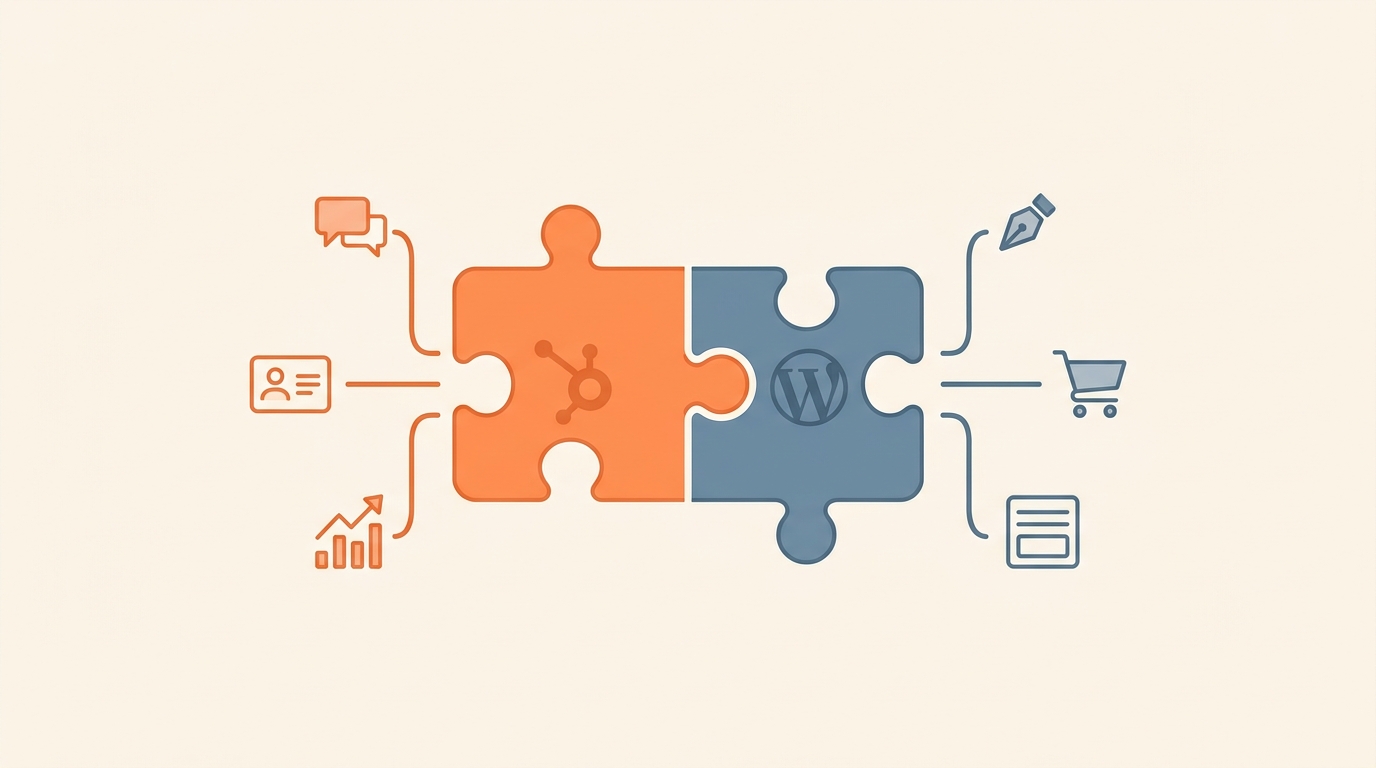
A HubSpot WordPress integration aims to close that gap. It connects website activity and forms submissions directly into HubSpot’s CRM, so a lead becomes usable the moment it arrives instead of sitting in an inbox. For a business running both platforms, the real objective is never just linking two logins but rather making sure each website visit, form submission, and follow up email are treated as one continuous story instead of three disconnected events.
What Is HubSpot WordPress Integration
HubSpot offers an official WordPress plugin that handles the connection. Once installed, it adds a small tracking snippet to the site and brings several HubSpot tools directly into WordPress, including forms, live chat, email, audience segmentation, and reporting.
The setup can be as light or as involved as a business needs. At its simplest, a single form submission creates a contact in HubSpot. At its most developed, website activity feeds into a form, which creates a contact, which then moves through lead qualification and marketing automation on its way to the sales pipeline. Which version makes sense depends on what the business actually needs from the data, not on how advanced the integration is capable of being.
Why Connect The Two Platforms
WordPress and HubSpot solve different problems, and that difference is exactly why connecting them works so well. WordPress is built for managing and publishing content; HubSpot is built around customer data, marketing, and sales activity. When the two are connected, each one can focus on what it does best. A landing page built in WordPress can feed straight into a contact record in HubSpot, so the two systems work as one pipeline instead of two separate silos. The most common use case is as simple as it can get. A visitor submits a WordPress form, and their details appear in HubSpot for the sales or marketing team to act on, often through the site’s existing form tools rather than a full swap of technology.
Beyond capture, HubSpot can also carry a visitor through marketing automation. For example, someone reading a blog post might download a guide and leave an email address, which triggers a follow up sequence while their activity gets logged for the sales team. Live chat works in a similar way for visitors who have a quick question instead of a form to fill out, which tends to matter most for B2B and SaaS sites, where a purchase decision usually involves more than one person.
Analytics is arguably where the integration earns its keep. Instead of reviewing page views on their own, a business can see exactly which pages and campaigns are producing qualified leads, not just traffic. For WooCommerce sites, the same idea extends to sales data, with product views and purchases flowing into HubSpot alongside CRM activity, although the exact scope depends on which integration method and subscription tier is in use.
Plugin Or Custom Integration
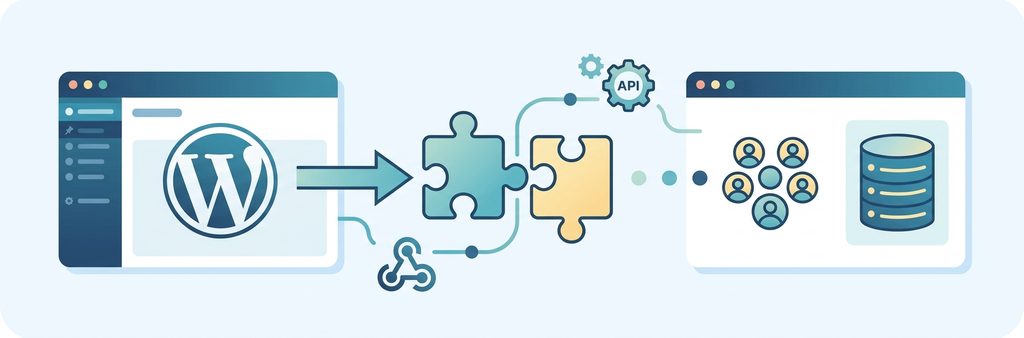
Not every business needs custom development to get value from this as HubSpot’s official plugin is usually enough for basic tracking, standard forms, live chat, and straightforward lead capture. Custom work becomes worthwhile once requirements get more specific, such as complex data mapping, custom post types, or a WooCommerce setup with unusual order logic. These situations typically call for an API or a webhook, essentially an automated message that lets WordPress and HubSpot exchange information without anyone copying and pasting it by hand.
A basic setup involves installing the plugin, connecting the HubSpot account, and configuring the tools a business plans to use, which requires WordPress administrator access on one side and matching HubSpot permissions on the other. A more advanced setup, meanwhile, adds that extra API layer, letting data flow through WooCommerce or custom forms before it reaches the CRM and, from there, marketing automation and reporting.
For organizations using Salesforce rather than HubSpot as their primary CRM, the integration approach follows similar principles (plugin for basic lead capture, API or custom development for complex workflows) though the specific tools and data mapping differ between the two platforms
A point worth considering before connecting the two platforms is which pieces of information are actually worth sending to HubSpot, rather than sending everything by default. A sensible starting point is whatever sales and marketing already rely on, such as name, email, company, job title, and the page or campaign that generated the enquiry. A smaller CRM full of useful information beats a larger one cluttered with details nobody looks at.
Common Problems And How To Plan Around Them
Connecting the two platforms is usually the easy part; keeping them behaving consistently over time is easier said than done. For instance, one common issue is duplicate contacts which tend to appear when different forms send the same person into HubSpot through different paths. Nevertheless, a proper field mapping strategy largely solves this. Plus, it also helps to check whether other plugins on the site are interfering with form submissions, since this does happen, and it is easier to catch early than after the integration is live.
Performance is a related concern, since tracking scripts and chat widgets add page weight and can slow a site down if load speed and mobile experience, often called Core Web Vitals, are overlooked.
None of this means the integration is not worth doing, rather it just means it is worth planning first. Start by looking at the forms and lead sources already on the site, then decide what information should actually move to HubSpot, and think through how a visitor moves from their first visit to becoming a customer. From there, pick the setup that fits, either the plugin or something custom, and test it before going live. The goal is simple: the right information should reach the right system at the right time.
Does HubSpot Replace WordPress
No. WordPress stays in charge of the website itself while HubSpot handles customer and marketing activity around it, with some overlap mainly around forms and landing pages. That overlap does not mean one platform needs to replace the other.
For most businesses, keeping WordPress as the main site while using HubSpot for CRM and marketing works better than moving everything into one system. The real benefit comes from how well the two are connected, not from picking one over the other. Done poorly, that connection creates duplicate data and requires extra maintenance. Done well, it removes manual work and gives marketing and sales a clearer view of where each customer came from.
A website should never be the place where leads quietly disappear. If someone fills out a form, that information should reach the person who can act on it, and a campaign that drives traffic should leave results that are easy to see.
Frequently Asked Questions
- Do I Need A Developer To Set Up The Integration? Not for the basic setup. Installing the official plugin and connecting an account is something most WordPress administrators can do without writing code.
- Is There An Official HubSpot Plugin For WordPress? Yes, and it supports tracking, forms, live chat, email tools, segmentation, and reporting.
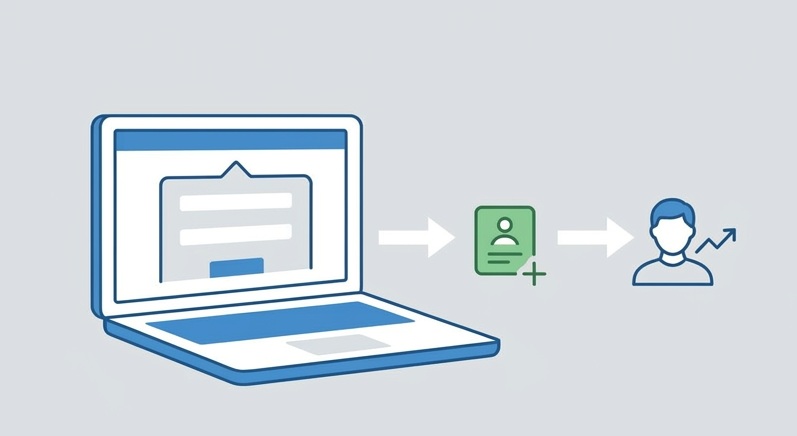
- Can WordPress Forms Send Leads To HubSpot? Yes, either through HubSpot forms or existing WordPress form tools, depending on what the site already uses.
- Can HubSpot Work With WooCommerce? Yes, though the right approach depends on the order data that needs to be synchronized.
- Does Integrating HubSpot Slow Down WordPress? It can, if tracking scripts are added without considering page weight, but a properly planned setup accounts for this.
- Will Leads Collected Before The Integration Show Up In HubSpot Automatically? No. The integration starts capturing new activity from the point it goes live. Older leads sitting in a spreadsheet or another system need to be imported separately
- Can More Than One WordPress Site Connect To The Same HubSpot Account? Yes. This is common for businesses running multiple sites or for agencies managing several client sites, though each connection needs to be set up and mapped separately to avoid mixing up contacts between sites.
A Closing Thought
Most of the friction described above shows up during setup, not afterward, which is why many businesses bring in outside help for the initial connection rather than the day to day use of it. Web Experts Nepal works with WordPress and HubSpot on exactly this kind of project, from the standard plugin setup through the custom API work that some integrations require. If a WordPress site and a HubSpot account need to actually work together, it is worth a conversation before the first plugin gets installed.
Contact UsRelated resources.

Why Enterprises Still Choose WordPress

What Is MVP Development? Meaning, Process, and Why Startups Use It

How to Choose the Right eCommerce Platform for Your Business
Have an idea worth building?
Share your concept with us and we’ll help you shape the right approach.