
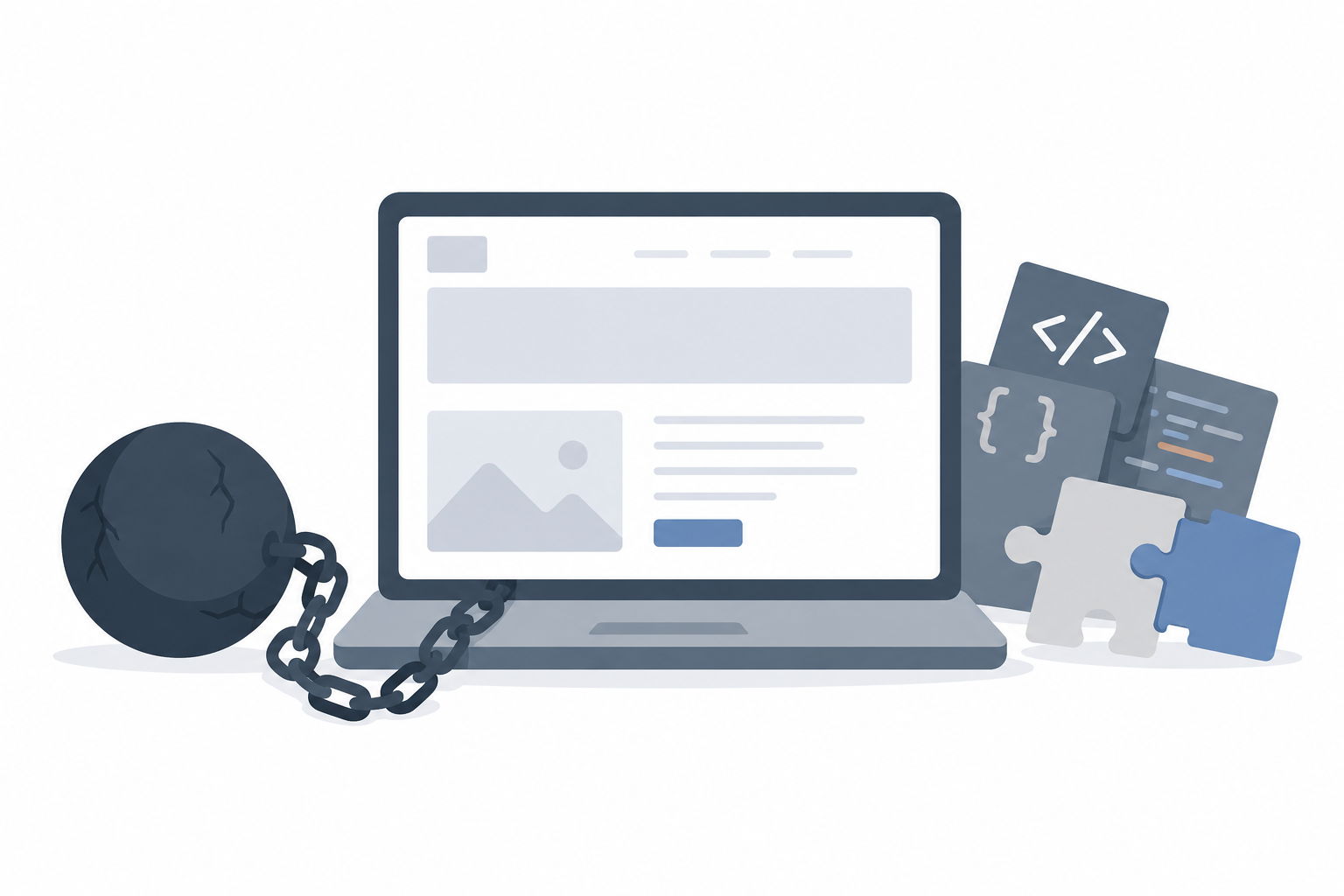
Your website worked perfectly on launch day. Two years and a dozen plugin updates later, a one-line text change takes a developer three hours to make safely, and nobody on the team can fully explain why. That gap between how a website should behave and how it actually behaves has a name, and it did not happen overnight.
It starts small: a plugin installed to meet a deadline, a quick fix hardcoded instead of properly built, or a dependency left unpatched because everything still seems to work. None of these decisions look significant on their own, yet months later the site becomes harder to maintain, slower to improve, and more expensive to update. This hidden accumulation is known as website technical debt.
Whether you manage a WordPress site, an eCommerce store, or a custom web application, understanding technical debt helps you make sharper decisions about maintenance, budgeting, and long-term growth. This guide covers why it builds up, how it affects day-to-day operations, and how to reduce it without necessarily rebuilding the site from the ground up.
What Is Website Technical Debt?
Website technical debt is the hidden cost a website accumulates when quick, temporary fixes are chosen over sustainable ones, and that cost compounds until someone pays it off. The idea mirrors financial debt: borrowing money solves a problem today, but the balance is eventually repaid with interest. A development shortcut works the same way, saving time now while adding to maintenance and debugging costs later.
Common forms include outdated plugins, legacy code nobody fully understands, duplicate CSS and JavaScript files, poor database structure, and hardcoded content in place of reusable components. Technical debt is not inherently bad; sometimes a shortcut is the right call under a real deadline. The trouble starts only when that debt is never repaid.
Why Technical Debt Happens
Technical debt usually builds up gradually rather than through one major mistake. Tight deadlines push businesses to prioritize launching over building perfectly, and developers understandably choose the fastest workable solution available. As the site evolves, frequent feature requests get bolted onto older systems without refactoring, which slowly makes the architecture inconsistent.
Developer turnover compounds the problem, since different developers bring different coding styles, and without shared standards a website becomes progressively harder to maintain. Meanwhile, frameworks and libraries keep evolving, so ignoring updates eventually creates compatibility issues. Underlying all of this is a simple pattern: many businesses treat a website as a one-time project rather than an asset that needs ongoing care.
Common Examples in Practice
Technical debt tends to show up in familiar patterns, and WordPress sites make a particularly good illustration since the platform’s flexibility, one of the reasons businesses choose it over a fully custom-built site in the first place, also makes debt easy to accumulate. Plugins that have not been updated in years raise both security risk and compatibility issues, while inactive plugins that were never removed add maintenance complexity without providing value. Payment plugins are a particularly common example: a business may have installed two or three different payment solutions over the years, each adding its own scripts to every page, long after only one remains in active use. Undocumented custom code forces future developers to spend hours understanding what exists before making even a simple change, and duplicate functionality, such as two plugins performing the same task, often causes conflicts and slows the site down.
Performance-related debt is just as common: unoptimized images, render-blocking scripts, and slow database queries all fall into this category. For eCommerce sites, this tends to be especially visible where, for instance, WooCommerce stores carrying years of order history often show the most acute database performance issues as they scale. Legacy themes built on outdated practices add further risk, and hardcoded content, where pages are built directly into templates instead of reusable fields, means even simple updates require a developer. It is common to find WordPress sites running several page builders at once, overlapping SEO plugins, hundreds of unused media files, and child themes carrying years of undocumented changes, all layered on top of each other as the site grew.
How Technical Debt Impacts Your Website
Technical debt reaches well beyond the development team; it directly affects business performance. Bloated code slows page load times which lowers user satisfaction and conversions. Search engines increasingly reward fast, stable, well-structured sites, so the crawl inefficiencies, broken links, and poor Core Web Vitals, Google’s speed and stability benchmarks, that technical debt tends to cause can gradually reduce organic visibility.
Security is another growing concern, since older software frequently carries known vulnerabilities. Outdated WordPress versions, unsupported plugins, and outdated PHP, the programming language much of WordPress runs on, are common culprits, and a security incident typically costs far more than the maintenance that would have avoided it. Development costs rise too, since every new feature requires developers to first understand existing code and test for compatibility. Modern integrations, such as customer relationship management systems and AI tools, often need current connection standards and updated infrastructure, so technical debt makes these considerably harder to implement.

Signs Your Website Has Technical Debt
Technical debt rarely announces itself with a single dramatic failure. Instead, it shows up as a collection of smaller frictions that make the website steadily harder to run. A few patterns are worth watching for:
- Updates keep breaking unrelated things. A content change causes an unexpected issue somewhere else on the site, suggesting the underlying systems are more tangled together than they should be.
- New features take far longer than they used to. What once shipped in days now takes weeks, not because the request is more complex, but because developers must first work around existing constraints.
- Developers hesitate to touch existing code. When even experienced team members are reluctant to modify a section of the site without extensive testing, it is usually a sign that nobody fully trusts how that code behaves.
- The site feels slower every year, even though no major new features have been added, which typically points to accumulating bloat rather than a single identifiable cause.
- Plugin or dependency updates routinely cause compatibility issues, forcing the team to delay updates and fall further behind on security patches.
- Multiple tools overlap in functionality, such as two SEO plugins or three form builders installed at once, each one added at a different point without anyone removing the last one.
- Nobody on the current team can fully explain how a section of the site works, often because the original developer moved on without leaving documentation behind.
- You rely on outdated software because upgrading feels risky, which is one of the clearest signs that debt has reached a point where it is actively shaping business decisions.
If two or three of these sound familiar, technical debt is likely still manageable through routine maintenance. If most of them apply, a structured technical audit is worth scheduling before the next major feature or campaign depends on the site working reliably.
How to Reduce Website Technical Debt
Reducing technical debt is not a one-time project; it is a continuous discipline. A comprehensive technical audit, covering code quality, performance, security, accessibility, SEO, hosting, and database health, is the natural starting point, since it establishes clear priorities rather than guesswork. From there, removing plugins that no longer provide clear business value and keeping WordPress core, themes, and other software updated prevents small issues from becoming major migrations later.
Documentation matters just as much as code quality, since well-documented custom functionality significantly reduces the cost of future development as teams change over time. Refactoring critical sections gradually, rather than leaving them until they force a larger decision, keeps risk contained and spreads the work across normal development cycles. Ongoing monitoring of speed and error logs ensures small improvements happen consistently rather than piling up into one large, disruptive project.
When a Full Rebuild Makes Sense
Most technical debt can be resolved through targeted refactoring, and a full rebuild is often more disruptive and expensive than the problem requires. That said, there are situations where starting fresh genuinely is the more sensible path:
- The core architecture no longer supports business goals. If the site was built for a much smaller catalog, a different business model, or a market the company has since outgrown, incremental fixes tend to hit a ceiling quickly.
- Security risks cannot be reasonably mitigated. When the platform itself, not just individual plugins, is built on unsupported or end-of-life technology, patching around the problem eventually becomes more expensive than replacing it.
- Performance improvements have plateaued despite genuine effort. If a proper audit and several rounds of optimization have already been carried out and the site still underperforms, the underlying structure is likely the limiting factor rather than any single component.
- A major redesign or functionality change is already planned. When the business is rethinking its offering, its customer journey, or its brand at the same time, it often makes sense to combine that work with a technical rebuild rather than retrofitting a redesign onto old infrastructure.
- The technology itself is no longer supported. A framework, CMS version, or hosting environment that has reached end of life will only become riskier and harder to staff for over time.
Outside of these situations, reducing debt through phased, targeted improvements is usually the more cost-effective path. It spreads the cost over time, keeps the site operational throughout, and gives the team room to validate each change before moving to the next one, rather than betting the entire budget on a single large project.
Preventing Future Technical Debt
Preventing technical debt is ultimately more efficient than cleaning it up later, and most of the practices involved are straightforward to build into a normal development workflow rather than requiring a separate initiative:
- Follow consistent coding standards across the team, so that code written by different developers at different times still looks and behaves predictably.
- Build with reusable components rather than one-off solutions, so a single update can apply across the site instead of requiring changes in a dozen different places.
- Maintain documentation as the site evolves, covering custom functionality, integrations, and key architecture decisions, so future developers are not left reverse-engineering old work.
- Schedule regular updates for the CMS, plugins, and underlying software rather than waiting for something to break, since small, frequent updates are far easier to test and roll back than years of accumulated changes at once.
- Review plugin and tool usage periodically, removing anything that is inactive, redundant, or no longer providing clear business value.
- Monitor performance continuously, tracking page speed, Core Web Vitals, and error logs so that small regressions are caught while they are still cheap to fix.
- Conduct periodic security audits, particularly after major updates or before high-traffic periods, rather than treating security as a one-time setup task.
- Plan for the long term, weighing whether a proposed fix is genuinely sustainable or simply the fastest way to close a ticket, and documenting the trade-off when a shortcut is knowingly taken.
None of these practices eliminates technical debt entirely, since some level of it is a normal part of building and shipping software. What they do is keep the debt visible and manageable, so it never has the chance to quietly compound into the kind of problem that only a costly rebuild can fix.
Frequently Asked Questions
- Is technical debt the same as bad code? No. It includes outdated software, architecture decisions, infrastructure gaps, and missing documentation, not just poorly written code.
- Can small business websites have technical debt? Yes. Even a simple website builds it up through outdated plugins, neglected updates, and temporary fixes that were never revisited.
- How often should technical debt be reviewed? Most organizations benefit from a formal review at least once a year, supported by routine maintenance throughout the year.
- Does technical debt affect SEO? Yes. It can lead to slower load times, weaker Core Web Vitals, broken links, and outdated code, all of which hurt search performance.
- Is rebuilding always the best solution? No. Many websites improve significantly through targeted refactoring and plugin cleanup, without the cost or risk of starting from scratch.
Final Thoughts
Technical debt is a normal part of every website’s lifecycle, and the real challenge is recognizing when it has quietly begun to slow the business down. Left unaddressed, it erodes performance, weakens security, and makes every future improvement more expensive. Addressed early, it becomes a manageable part of running a healthy website.
If your team spends more time firefighting old problems than shipping new features, that is worth acting on. A focused website audit can show exactly where your site stands and which fixes matter first; our team at Web Experts Nepal has walked hundreds of businesses through this process and would be glad to help you map out where to start.
Contact UsRelated resources.

Quality at scale: Lessons from reviewing 20,000 photos
Salesforce and WordPress Integration: Connecting Your Website and CRM Without Creating More Work
HubSpot and WordPress: How To Connect The Two Platforms The Right Way
Have an idea worth building?
Share your concept with us and we’ll help you shape the right approach.