
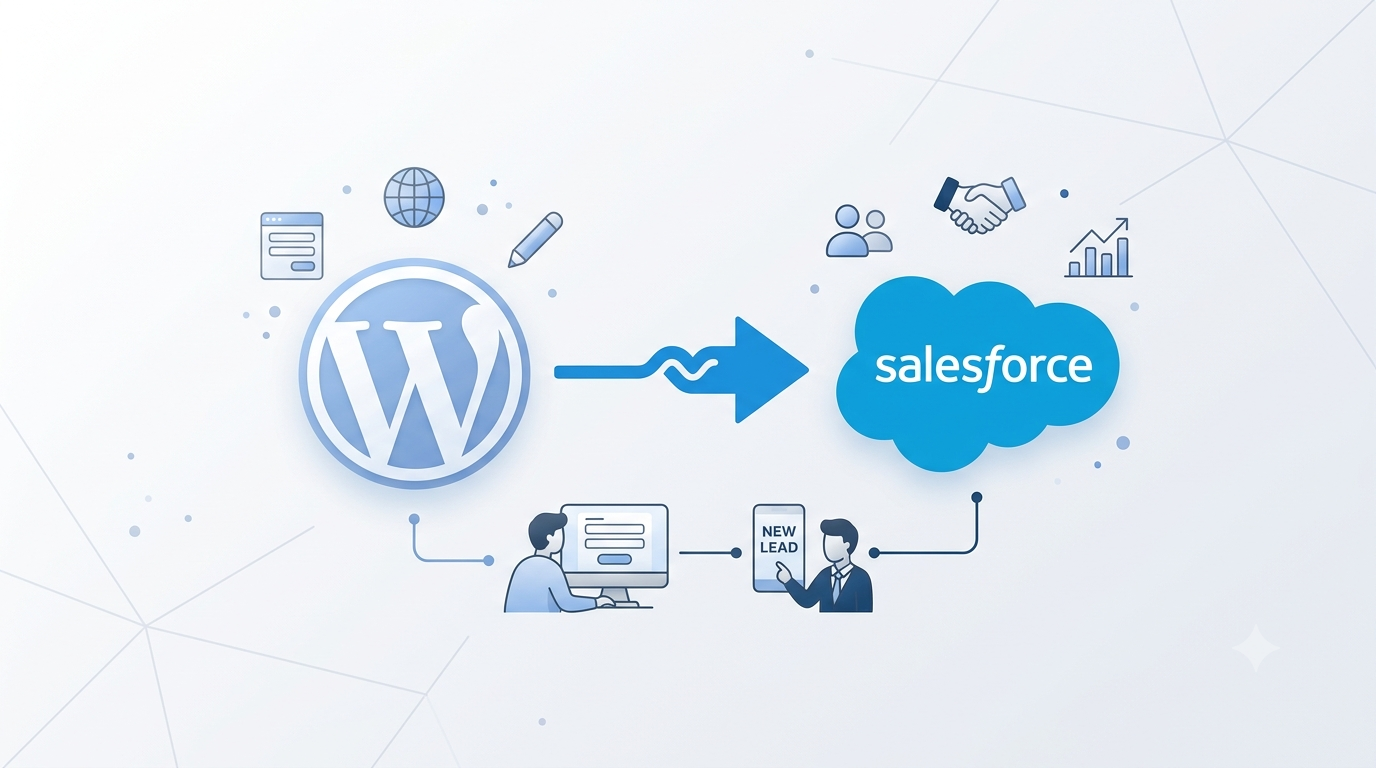
Salesforce and WordPress integration connects your website directly to your CRM, so that every form submission, donation, or enquiry updates Salesforce automatically instead of sitting in an inbox waiting for someone to enter it manually. For growing organisations, this single change often removes hours of repetitive admin work each week while making customer data far more reliable.
Picture a promising lead filling out a contact form at eleven at night. By the time a salesperson opens their inbox the next morning, a competitor has already called. This is the quiet cost of a website and a CRM that do not talk to each other: leads sit unread, sales teams re-enter the same details into Salesforce by hand, and marketing data ends up scattered across systems that never quite agree. Connecting WordPress with Salesforce closes that gap, letting the two platforms function as one system rather than two tools that happen to serve the same business.
What Salesforce-WordPress integration actually means
Salesforce WordPress integration is the secure, automated link between your website and your CRM that lets data flow between the two without manual re-entry. WordPress powers more than forty percent of websites globally because it is flexible and easy to manage, while Salesforce handles sales pipelines, customer service, marketing, and fundraising. Connected together, a contact form submission becomes a Salesforce Lead, a newsletter signup updates a Contact record, a donation creates an Opportunity, and a support request opens a Case, all without anyone touching a keyboard beyond the original visitor. The relationship can run the other way too, with Salesforce feeding data back into WordPress to power member dashboards, customer portals, order histories, or personalised content based on a visitor’s existing account.
For businesses currently on Wix or Squarespace whose CRM integration is constrained by the platform, migrating to WordPress is often what makes a proper Salesforce connection possible.
The business case for integration
Manual data entry is expensive, and not just in staff hours. Every time a form arrives by email and a staff member re-types it into Salesforce, there is a chance of typos, missed records, or delays that cost a business its fastest-moving leads. Automating that step removes the delay entirely and lets records populate within seconds of submission.
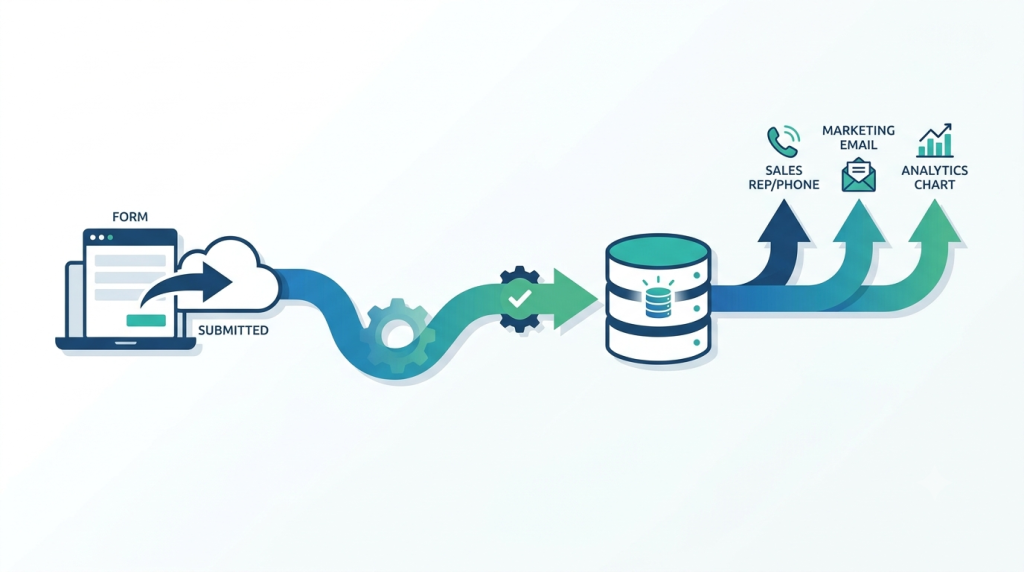
Speed also affects revenue directly. When someone requests a demo or pricing information, the right setup can assign the lead to the correct salesperson, trigger a follow-up email, and schedule a task automatically, often before the visitor has even closed the browser tab. This kind of responsiveness is difficult to match with manual processes, particularly once enquiry volume grows.
Data quality improves as well. Customers frequently submit the same information more than once, whether through a contact form, a newsletter signup, or an event registration, and without proper matching logic this creates duplicate records that fragment a customer’s history across multiple entries. A properly designed integration matches incoming submissions against existing contacts and updates them instead of duplicating them, which keeps reporting and communication accurate over time.
That accuracy, in turn, feeds better marketing. Once Salesforce receives real website activity rather than a periodic export, marketing teams can segment newsletters and build customer journeys based on actual behaviour rather than guesswork. Reporting improves as well, since it becomes possible to see which landing pages generate qualified leads and which campaigns actually convert to customers, rather than relying on assumptions.
Common use cases
The specifics vary by organisation, but a handful of patterns come up repeatedly. B2B companies typically use integration for lead generation, where every enquiry form creates a Salesforce Lead and notifies a sales representative instantly. Organisations that run conferences or webinars use it for event registration, allowing Salesforce to track attendance and send reminders automatically. Nonprofits frequently pair WordPress with Salesforce Nonprofit Cloud so that online donations record the donor, amount, and payment details without manual entry, removing a significant amount of administrative overhead around fundraising.
Membership organisations and educational institutions often use integration to keep applications, renewals, and approvals synchronised between the two systems, while support teams convert web-based enquiries directly into Salesforce Cases they can prioritise and track. Ecommerce businesses running WooCommerce can likewise synchronise customers, orders, and purchase history with Salesforce, building a complete customer profile that spans both the storefront and the CRM.
Choosing the right integration approach
There is no single method that suits every organisation; the right choice depends on how complex the business workflows are, not on the size of the company alone.
Salesforce’s own APIs, the standard channels it provides for other systems to send and receive data, offer the most flexibility and are generally the preferred route for organisations with unique workflows or high data volumes, since they support custom logic and scale well as requirements grow. For simpler needs, such as basic contact forms or newsletter capture, WordPress integration plugins can work well, though they tend to become restrictive once business processes grow more complex. Middleware platforms sit between these two options and are particularly useful when WordPress and Salesforce also need to exchange data with other systems, such as accounting software or payment gateways. Finally, many organisations eventually move to a custom integration once their needs include several distinct types of Salesforce records, advanced validation, or real-time synchronisation, since this approach offers the most control and tends to be the most reliable for complex workflows.
Whether a custom integration is genuinely warranted depends on the same factors that govern any build vs buy decision: how distinctive the requirement is, how expensive the current workarounds are, and whether the complexity will grow with the business.
For organizations using HubSpot rather than Salesforce, the integration options follow a similar structure (official plugin for straightforward lead capture and tracking, API or middleware for more complex automation) with the key differences lying in data model and workflow configuration rather than the overall approach
Security and common pitfalls
Customer data deserves careful protection, and a secure integration should never expose sensitive information unnecessarily. This generally means encrypted connections, secure login credentials that never sit in plain text, and access controls that limit who can see what, combined with activity logs so that unusual behaviour can be caught early. Security works best when it is planned from the outset rather than added after launch.
Most integration problems are not caused by the technology itself but by unclear planning. Duplicate records appear when the system cannot tell that two submissions belong to the same person, and mismatched fields cause errors when a WordPress form asks for information in a format Salesforce does not expect. Heavy traffic can also push a poorly designed integration past the volume Salesforce allows in a given period, causing submissions to fail silently. Plugin-based integrations, in particular, often handle only the simplest scenarios and struggle with more advanced automation. Addressing these issues during planning, rather than after launch, saves considerable rework later.

Best practices worth following
Before development begins, it helps to define the business workflows the integration needs to support and decide which system is the source of truth for each type of data. From there, testing every automation thoroughly and documenting field mappings will catch most issues before they affect customers. It is also worth building with future growth in mind, since integrations extended piecemeal tend to become harder to maintain over time.
Frequently Asked Questions
- Can WordPress connect directly to Salesforce?
Yes. It can connect through several routes depending on the requirement, from Salesforce’s own APIs and ready-made plugins to middleware or a fully custom build. - Is Salesforce WordPress integration secure?
It can be, when the basics are handled properly. That means encrypting connections, protecting login credentials, and setting access permissions before launch rather than as an afterthought. - Can WooCommerce integrate with Salesforce?
Yes. Store data such as customer accounts, orders, and purchase history can sync with Salesforce, giving sales and support teams the full picture behind each transaction. - Can Salesforce push data back into WordPress?
Yes. Salesforce records can appear back on the website itself, showing a logged-in member their order history, membership status, or other account details drawn straight from the CRM. - Do we need custom development?
Not always. Simple lead capture or newsletter forms often work fine with an existing plugin. Custom development becomes worthwhile once the workflow involves several Salesforce record types or logic a plugin cannot handle.
Final Thoughts
A website should do more than collect information. It should move that information to the people and systems that need it, without delay or unnecessary manual effort. A well-planned Salesforce and WordPress integration does exactly that, connecting leads to sales teams faster and freeing staff from repetitive administrative work. Whether the goal is streamlining lead management, automating donations, or connecting WooCommerce with Salesforce, the right integration turns a website from a standalone marketing tool into an active part of the business itself.
Contact UsRelated resources.
WooCommerce vs Shopify: Which Platform Is Right for Your Business?
Is Headless WordPress Worth It?
WooCommerce with more than 10,000 products: How to keep search and filtering fast
Have an idea worth building?
Share your concept with us and we’ll help you shape the right approach.