
Your website was supposed to save you time. Now it is costing you time, customers, and sleep. That shift, quiet at first and then impossible to ignore, is the moment every growing business eventually reaches with its DIY website.
No-code website builders such as Wix, Squarespace, and Shopify are ideal for launching quickly and cheaply, but they trade away control. Professional web development costs more upfront and takes longer to launch, but it gives a business far greater control over how the website performs, integrates with other tools, and grows over time. However, the right choice depends on how complex your website’s job has become, not on which option sounds more impressive.
Most businesses start the same way where you pick a template, change the colors, add a logo, write a few paragraphs, connect a domain, and within an afternoon there is a working website. For a new business, freelancer, or local service provider, that is usually a smart first move. Although the trouble tends to show up later as the business grows, marketing wants tighter control over search rankings, sales wants the website connected to a CRM, and customers expect a faster, smoother mobile experience. Eventually, the website that was built to save time becomes the thing holding the business back, and that raises the real question: when does a DIY builder stop being enough, and when is it time to bring in a professional web development team?
What a No-Code Website Builder Actually Gives You
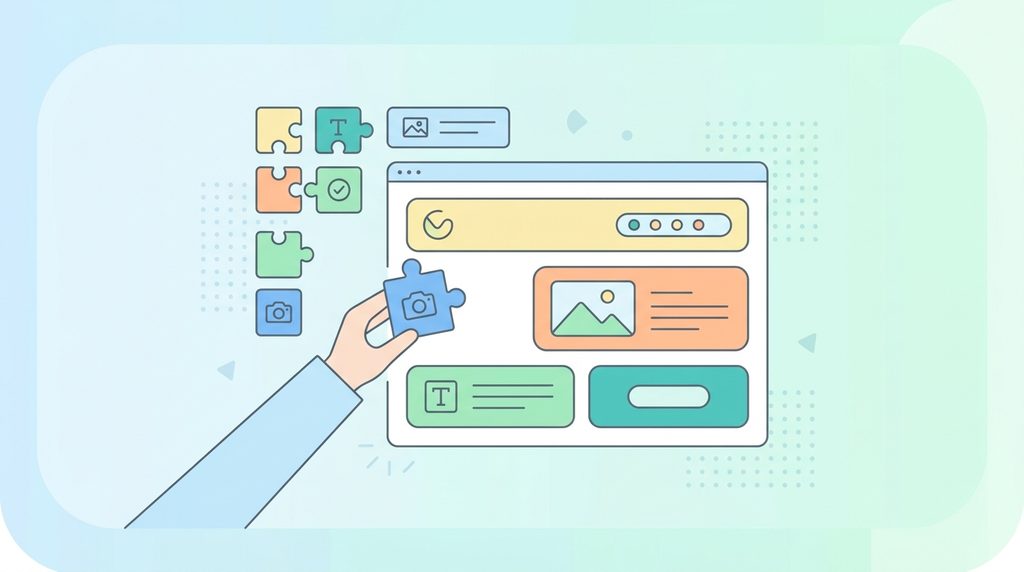
Platforms such as Wix, Squarespace, Webflow, and Shopify let you build and manage a website without writing a single line of code. Most include ready-made templates, drag-and-drop editing, hosting, a domain manager, basic search engine optimization (SEO) tools, and simple plug-in features for forms or online stores.
The appeal is straightforward: you do not need a developer to get started. If your business only needs a homepage, an about page, a services page, and a contact form, a builder is often all you need. The mistake is assuming a simple website will stay simple, since business requirements tend to change faster than most owners expect.
No-Code vs Professional Development: The Real Difference
The real difference has nothing to do with whether you personally write code. It comes down to how much control you have once your requirements become more complicated.
| Area | No-Code Website Builder | Professional Web Development |
| Setup speed | Fast | Requires planning |
| Custom functionality | Limited to available plug-ins | Highly flexible |
| Design control | Limited by the template | Extensive |
| Site speed | Depends on the platform | Can be optimized directly |
| Long-term flexibility | Depends on the platform | High |
| Upfront cost | Usually lower | Usually higher |
| Best suited for | Simple sites, early-stage businesses | Growing, more complex businesses |
Why DIY Builders Work Well at First and Where They Start to Struggle
No-code platforms earn their popularity honestly. You can launch quickly, which matters most while you are still testing whether customers want what you are selling, and upfront costs stay low since you pay for a monthly subscription instead of a development project. Non-technical staff can also make routine changes themselves, such as updating a phone number or publishing a blog post, without waiting on a developer. Likewise, for common needs like contact forms, basic online stores, and newsletter signups, a ready-made plug-in usually solves the problem without any custom work.
While the platform itself rarely breaks down, problems arise when the business starts asking it to do things it was never built to do. Some of the struggles include:
Missing functionality: A ready-made plug-in might get you seventy percent of the way toward what you need, whether that is a custom CRM connection, a member login area, or pricing that depends on several variables. The remaining missing thirty percent is what forces the business to change how it works just to fit the platform.
Too many add-ons: One app for forms, another for pop-ups, another for memberships, another just to fix what the last one broke. The site still works, but it becomes harder to maintain and more fragile with every addition, which is usually the clearest sign the website needs a more deliberate technical foundation rather than another patch.
Slower pages that cost real money: A hosted builder manages most of the technical infrastructure for you, which is convenient, but it limits how much you can speed up page loading or image delivery. Custom development does not automatically produce a faster website, since poor development can be slow too, but it gives you far more room to fix the problem once slow pages start affecting sales.
Complicated connections between systems: Sending a contact form to an inbox is simple. Connecting a website to a CRM like HubSpot, a payment system like Stripe, and a customer account so all three stay in sync is not. That kind of setup needs secure logins, careful data handling, and ongoing upkeep, which is genuine software work rather than a quick app install.
A site too important to risk breaking, or too outgrown to feel like your brand: Once a website drives a meaningful share of leads or sales, downtime has real financial consequences, so reliable hosting, backups, and a recovery plan become necessary rather than optional. Similarly, a template that looked distinctive a year ago now looks like every competitor’s site, since they are probably using the same one. Once you find yourself fighting the template instead of building what the website should actually look and work like, that is usually the sign to move on.
A Practical Path Forward
Few businesses need to choose between a basic builder and a fully custom application on day one. A sensible approach evolves in stages: launch simple, improve it as traffic grows, then rebuild once the platform becomes a genuine obstacle rather than a minor inconvenience. When that rebuild happens, note down the specific problems first, then choose the technology based on what actually solves them, whether that is WordPress or a fully custom build.
One question cuts through most of the uncertainty: are you building the website around your business, or changing your business to fit the website? If it is increasingly the second one, a professional review is probably overdue.

What Professional Web Development Actually Delivers
A good development process starts by understanding the business problem before writing a single line of code: who uses the site, where leads actually come from, and what the business may need two or three years from now. From there, the right approach follows naturally. For many businesses that have outgrown a DIY builder but do not need something fully custom, a professionally built WordPress site hits a practical middle ground, giving non-technical teams a content system they can use every day while still giving developers the flexibility to build real functionality around it.
A professionally built WordPress site also needs a security plan from day one, not as an afterthought, but as part of how the site is set up and maintained from launch.
Do Not Wait for the Website to Break First
The worst time to rethink your website is right after something has already failed. A rushed rebuild under pressure means migrating content, rebuilding search rankings, and replacing every integration all at once, which costs more than planning ahead ever would.
Watch for the everyday warning signs instead: your team reaching for yet another plug-in, asking why a page loads so slowly, wondering if the site can finally talk to your CRM, or needing a developer just to change a line of text. On their own, these are minor frustrations. Together, they usually mean the website has quietly become the constraint holding the business back and needs a significant revamp.
Frequently Asked Questions
- How much does professional web development cost compared to a no-code builder? No-code subscriptions usually run twenty to a few hundred dollars a month. Professional builds cost more upfront, since pricing depends on scope, but they should be compared on total cost, not just the sticker price, once lost time and workarounds are factored in.
- Will switching from a website builder to a custom site hurt my search rankings? Only if the move is handled carelessly. A proper rebuild preserves existing web addresses or redirects them correctly, which protects most of the ranking value already built up. Rankings usually dip only when this step gets skipped.
- How long does a website rebuild usually take? A simple redesign can take a few weeks. A build with custom features or several integrations often takes a few months. Either way, a clear timeline with milestones should be agreed before work begins.
- Can I keep my existing content, or do I need to start over? Most content, pages, and images can be migrated rather than rewritten. Some cleanup is common during a rebuild, but a full rewrite is rarely necessary just because the platform changes.
- Do I have to abandon my no-code tools completely, or can I use both? Not usually. Many businesses keep familiar no-code tools for specific jobs, such as email marketing, while the core website runs on a more flexible custom foundation.
- Is WordPress just another website builder, or is it genuinely different? WordPress is open-source software, not a hosted builder like Wix or Squarespace, so its behavior depends on how it is set up. A cheap template can feel just as limiting as any other builder, while a professionally built WordPress site is shaped around the business itself.
What happens if my business needs change again after a professional rebuild?
A well-built custom site is designed to be extended, not replaced. Adding new features or integrations later is usually a matter of building on what already exists rather than starting from scratch.
At Web Experts Nepal, we help businesses move past these limits with professional WordPress development, custom integrations, performance improvements, and full website rebuilds. If your current site feels like it is working against you rather than for you, get in touch for a free website review.
Contact UsRelated resources.
WooCommerce Store Speed Audit: Why Product Pages Slow Down As Your Catalog Grows

Website KPIs That Actually Matter
Legacy Website Modernization Guide: How to Upgrade Without Starting From Scratch
Have an idea worth building?
Share your concept with us and we’ll help you shape the right approach.