
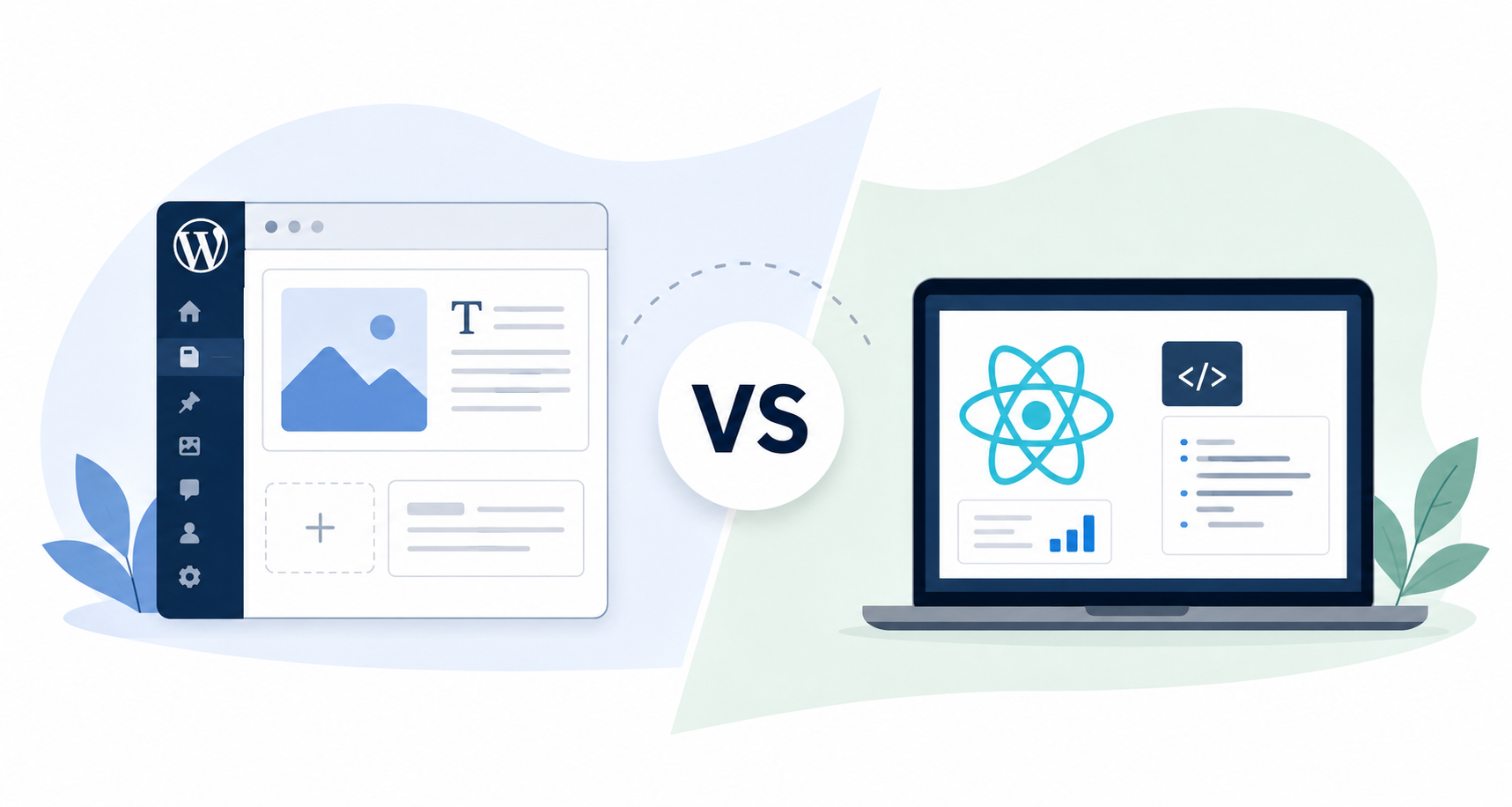
Picking the wrong technology is an expensive mistake to discover halfway through a project. Imagine a scenario where a marketing team stuck with a rigid custom application cannot publish a blog post without calling a developer. Or, a SaaS company that built its dashboard on WordPress hits a wall the moment users need real-time data. Both scenarios happen more often than you would expect, and both are avoidable with the right decision at the start.
React and WordPress get compared constantly, yet they are not really fighting for the same job. WordPress is a content management system built to help teams publish content without writing code. React is a JavaScript library built to help developers construct fast, interactive interfaces. The confusion comes from the fact that both can power a website, but in practice they solve different problems, and in many modern projects, they end up working side by side.
This guide walks through the factors that matter most when weighing React against WordPress: development speed, cost, performance, content management, growth potential, and long-term upkeep. By the end, you should have a clear framework for deciding which one, or which combination, fits your project.
What each one is built to do
WordPress runs a substantial share of the internet’s websites, largely because it lowers the barrier to publishing. Non-technical staff can update pages, schedule posts, and manage media through a visual dashboard, and a vast ecosystem of themes and plugins covers most business needs out of the box. That makes it a strong fit for corporate sites, blogs, WooCommerce stores, educational institutions, non-profits, and service businesses where marketing teams need to move fast without a developer for every small update.
React, on the other hand, takes a different approach. Rather than managing content, it gives developers a component-based system for building interfaces that respond instantly to user input, and because interface pieces are reusable, applications built in React tend to be easier to maintain as they grow. This is why React shows up so often in products where users do more than read: SaaS platforms, customer portals, booking systems, financial dashboards, and project management tools all lean on the real-time interactivity React was designed for.
React vs WordPress at a glance
| Factor | WordPress | React |
|---|---|---|
| Primary purpose | Content management system | Front-end JavaScript library |
| Best for | Content-driven websites | Interactive web applications |
| Content editing | Built-in visual dashboard | Requires a separate CMS or custom admin panel |
| Development speed | Faster for standard websites | Faster for custom, non-standard functionality |
| Performance | Very good with proper optimization | Excellent by design |
| Ability to grow | Strong for content and traffic | Strong for product complexity |
| Maintenance | Core, plugin, and theme updates | Dependency and infrastructure updates |
| Learning curve | Lower | Higher |
Development cost and performance
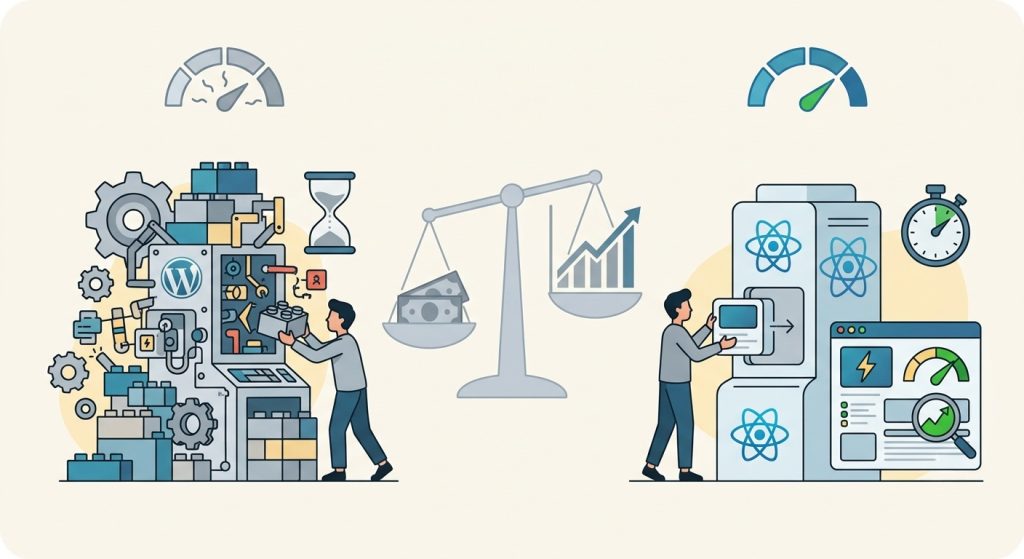
For a standard business website, WordPress is generally quicker to build and cheaper to launch. Its plugin ecosystem already handles common requirements such as contact forms, bookings, or e-commerce, so developers spend their time configuring rather than building from scratch, keeping timelines and budgets shorter. React asks for more upfront, since every component is custom-built, stretching the timeline and raising the initial investment. But it is crucial to note that that difference in investment also pays off differently over time.
A WordPress site pushed to do something it was never designed for tends to accumulate workarounds and plugin conflicts that get expensive to untangle later. A React application, by comparison, is built around your actual requirements from day one, sidestepping much of that technical debt. The better question, then, is not which option costs less today, but which delivers more value across the product’s life.
The matter of performance also tells a related story. React updates only the parts of a page that actually change instead of reloading the whole document, and paired with a framework like Next.js, it can hit excellent load times and strong Core Web Vitals scores. On the other hand, WordPress performance depends far more on execution: weak hosting, too many plugins, and unoptimized images slow a site down, while a professionally built WordPress site with clean code and quality hosting can match React’s speed for most business use cases.
Content management and customization
This is where the two diverge most clearly. WordPress was built from the ground up for publishing, so editors can create pages, upload media, manage users, and schedule content without touching code. If your business publishes regularly, that independence from developers saves time and money.
React includes no content management layer at all. Any project that needs frequent content updates has to integrate a separate CMS or build a custom admin interface, adding cost and complexity before development starts. In return, you get largely unlimited flexibility on the interface side: real-time data, advanced dashboards, and complex business logic are all easier to build in React, since nothing about the technology constrains how the interface behaves.
Growth and long-term upkeep
Both options can grow with your business, just along different axes. WordPress handles rising content volume and traffic comfortably with solid hosting and caching, which is why it remains common for large publishing sites and expanding stores. React tends to grow more naturally with product complexity, and its modular architecture is why large tech companies rely on it for applications supporting bigger user bases and evolving features.
Upkeep differs in a similar way as neither option runs itself. WordPress needs ongoing core, theme, and plugin updates plus regular security monitoring and backups. React applications instead need dependency updates, security patches, and infrastructure management. The better question is not which demands less maintenance, but which type your team can handle.
Combining React and WordPress
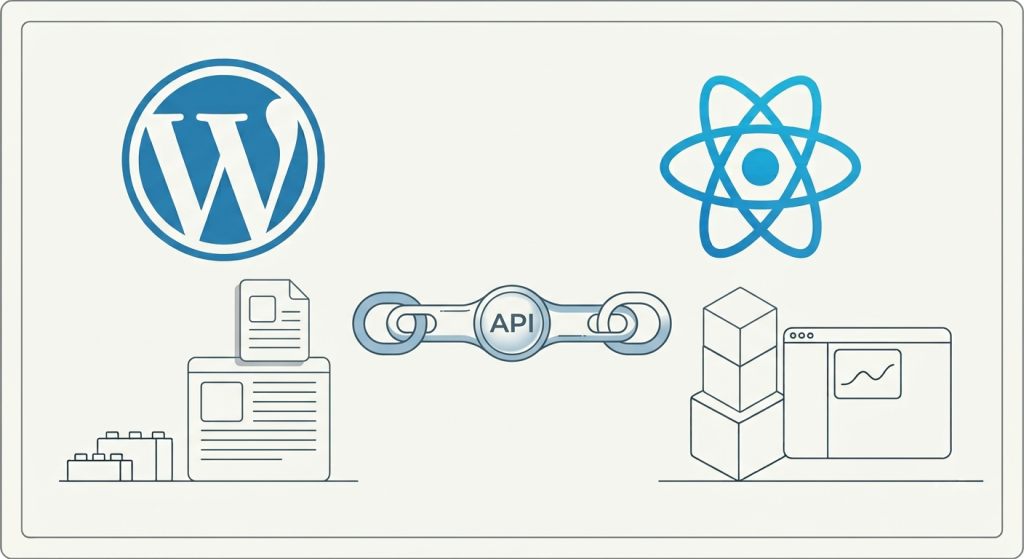
React and WordPress are not mutually exclusive, either. A growing number of businesses now use a headless setup, where WordPress manages content in the backend while React powers the front-end interface, connected through an API layer. This gives content teams the WordPress editing experience they already know, while giving developers full control over a fast, interactive front end.
It works especially well for organizations that want advanced user experiences without giving up WordPress’s content management convenience. Many businesses that start with a traditional WordPress site later redesign and migrate to this kind of setup once their needs outgrow a standard CMS theme.
Making the decision
Neither option wins outright since they were built to solve different problems but there are good arguments to be made when both are pitched against each other. Go with WordPress if your priority is a content-rich website that launches fast and stays easy to manage. Go with React if you are building an interactive application with custom workflows or demands a CMS was never meant to handle. If your project needs both, a headless setup combining the two is worth considering.
The right choice comes down to what your business is trying to build, not which technology feels more popular at the moment. A clear-eyed look at your business objectives, content needs, technical resources, and growth plans will get you there faster than any general comparison can.
Frequently asked questions
- Is React better than WordPress? Neither is inherently better. WordPress suits content-driven sites, while React suits interactive applications with custom functionality.
- Is WordPress still worth using? Yes. It remains the most widely used content management system in the world and continues to receive regular security updates and feature improvements.
- Which is more secure, React or WordPress? Security depends more on implementation than on the technology itself. WordPress sites face more risk from outdated plugins and themes, so they need regular updates. React applications have a smaller attack surface by default, though they still need sound security practices around data and hosting.
- Do I need coding knowledge to use either platform? WordPress can be managed with little to no coding knowledge, which is part of its appeal for business teams. React requires development skills for the build and for ongoing changes, since it has no visual editor.
- Can React replace WordPress? React can replace the front end of a website, but it does not manage content on its own. Many businesses pair React with a CMS such as WordPress to get the benefits of both.
- Which platform is more affordable? For most standard business websites, WordPress is more affordable since development is faster and common features are already built. React projects usually involve more custom work, raising the initial investment.
- Can I migrate from WordPress to React later? Yes. Many organizations begin with a traditional WordPress website and later move to a headless architecture using React once their requirements become more advanced.
Still not sure which platform fits your project?
Choosing between WordPress and React is easier with a partner who builds on both. At Web Experts Nepal, our team designs and develops content-driven WordPress websites, custom React applications, and headless architectures, matched to your budget, timeline, and growth plans rather than a one-size-fits-all template.
If you are planning a new website or web application and want an honest recommendation on the right technology for your goals, get in touch with our team for a free consultation.
Contact UsRelated resources.

How to Future-Proof Your Website

How to Choose the Right eCommerce Platform for Your Business

When should you redesign your website? Signs it is time to rebuild
Have an idea worth building?
Share your concept with us and we’ll help you shape the right approach.