
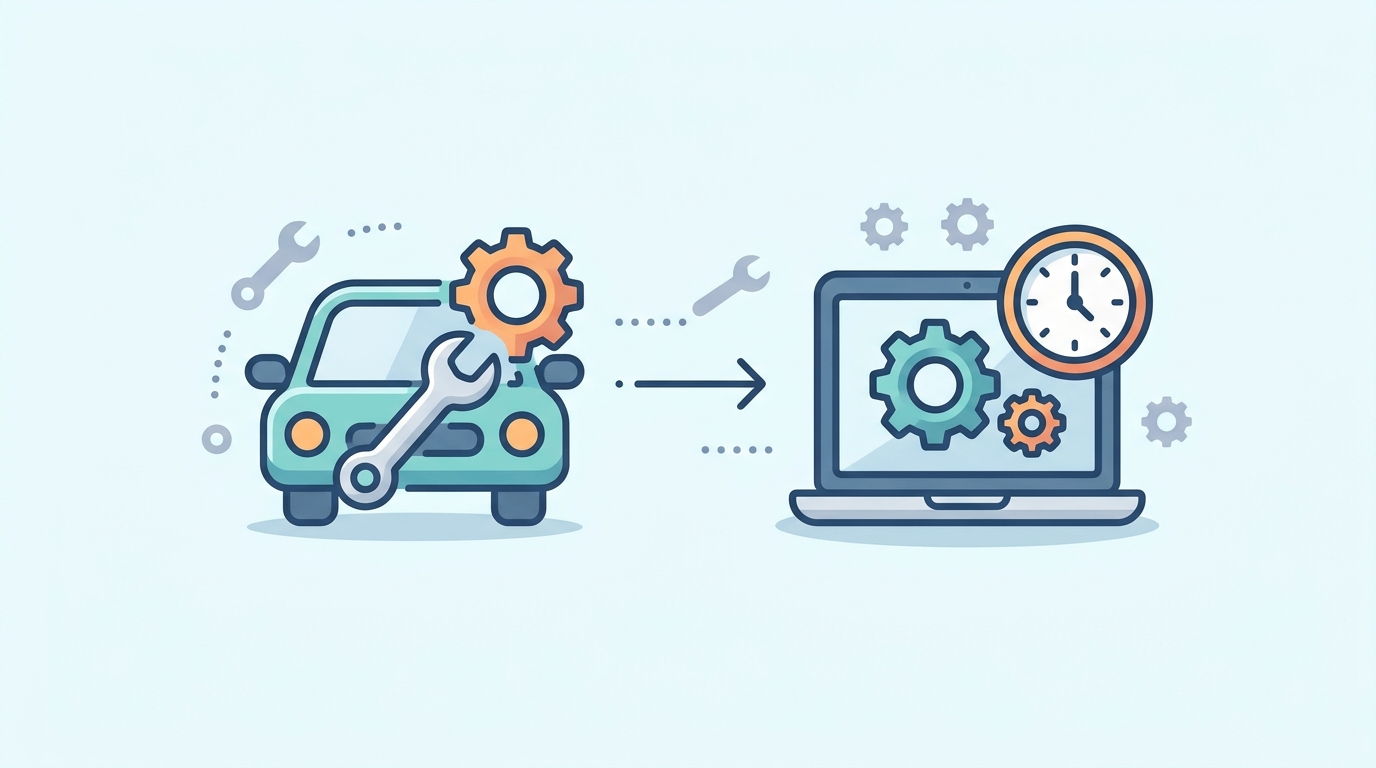
Imagine buying a brand-new car and driving it every day for three years without changing the oil, checking the tires, or glancing at the dashboard. For a while, it would run beautifully. Then one morning it would refuse to start, and the repair bill would be far larger than a few routine visits to the garage ever would have cost.
Few business owners would treat a car that way, yet many treat their websites exactly like that. The site launches, the team celebrates, and attention moves to the next priority. Meanwhile, a plugin quietly stops working, a contact form fails without showing any error, and pages load a little slower each month. Nobody notices until a customer complains or a sale goes missing.
A website, like a car, is not finished the day it is delivered. It is a working asset that needs regular servicing to stay safe, reliable, and worth the money invested in it. The difference is that a car at least has a dashboard to warn you when something is wrong. A website usually does not, which makes a routine even more important.
So, what exactly is website maintenance?
Website maintenance is the ongoing work of keeping a website secure, fast, and working correctly after launch. It includes software updates, backups, security checks, and testing of forms and checkout. Most business websites need a review about once a month, while online stores that take daily orders need closer monitoring.
Why does a website need maintenance after launch?
A website depends on software and outside services that keep changing, so it needs regular upkeep to keep working. WordPress, the platform behind a large share of business websites, releases updates often. So do plugins, which are small add-on tools that handle things like contact forms, payments, and search engine settings. Meanwhile, hosting companies, web browsers, and payment providers make their own changes, and when one piece shifts, another can stop working with it.
Consider a site that uses plugins for forms, payments, and customer inquiries. An update to one plugin can interfere with another, a payment connection can quietly break, or a form can stop sending notifications without showing visitors any error. These failures rarely look dramatic. However, they cost time and sales for as long as nobody notices.
How can you tell your website needs attention?
Unlike a car, a website rarely lights up a dashboard when something is wrong. Instead, the signs show up in everyday business. Pages load slowly, especially on phones. Inquiries drop for no clear reason, which may point to a broken form or booking process. Updates keep being postponed because nobody wants to risk breaking something, and even small changes, such as correcting a price, take far longer than they should. Likewise, if nobody can say when the last backup or security check happened, that uncertainty is a warning sign in itself.
None of this automatically means you need a new website. Often a targeted fix is enough, so the sensible first step is simply finding out what is happening.
What does regular website maintenance involve?
Waiting for a breakdown is the most expensive way to maintain anything, which is why a routine matters. In practice, it means installing updates safely, testing key features such as forms and checkout, and keeping backups while confirming that they can actually be restored. It also includes checking page speed and occasionally reviewing important pages to make sure prices, links, and contact details are still correct.
Security deserves special mention. Outdated software is a common way for attackers to get in, so timely updates are among the most useful things a site owner can do.
So how should you carry these out? Well, the right frequency depends on the site itself. A small brochure website with a handful of pages can manage with a monthly review, whereas a store that processes orders every day needs continuous monitoring and faster fixes. Of course, no routine prevents every problem, since hosting outages and third-party failures still happen. Still, a routine means those problems are spotted in hours rather than weeks.
Can a website be running and still losing business?
Yes. Like how a car can start and still need repairs, a website can load fine while underperforming. Visitors may struggle to find your services, or requesting a quote may take too many steps. Analytics, which simply show what visitors do on your site, usually reveal the pattern. A service page with plenty of visits but few inquiries probably needs clearer wording or a stronger call to action. Similarly, if phone visitors leave far more often than desktop visitors, the mobile layout deserves a closer look.
The fix is often smaller than people expect. A site that is sound but slow may only need optimization, which means tuning it to load faster. An outdated WordPress setup may call for a planned upgrade. However, there is a point where repeated repairs stop making sense. This usually happens when shortcuts taken in earlier builds pile up into what developers call technical debt, or when an older site simply cannot support what the business needs today. At that stage, modernizing generally makes more sense than patching.

When does a business outgrow its website?
Businesses rarely stay the same for long. You add services, enter new markets, and hire people, and the website has to keep up. A site built for a team of three may struggle to support thirty, and a store that handled a few hundred products comfortably may slow down at several thousand. Likewise, a simple inquiry form may no longer be enough once customers expect online bookings or account access.
That is no reason to redesign every year. An occasional check on whether the current setup still fits the way the business works is usually enough. Sometimes the answer is improving existing WordPress or WooCommerce features. In other cases, it means connecting the website to other business systems, automating repetitive tasks, or building a custom web application around real business processes.
Who should look after your website?
Business owners already have plenty to manage without troubleshooting plugin conflicts at night. Fortunately, understanding every technical detail is unnecessary. What matters is that someone is clearly responsible, whether that is a team member, a maintenance provider, or a development team that handles both upkeep and larger improvements.
At Web Experts Nepal, we help businesses keep WordPress and WooCommerce websites healthy, build React applications (fast, modern web apps), and develop custom solutions when ready-made tools fall short. If you are unsure where your website stands, a short review is a sensible place to start.
Contact UsFrequently asked questions
- How much does website maintenance cost?
It depends on the size of the site, the number of connected services, and the level of support. A small brochure site costs far less than a busy store, and a reliable provider should give a clear quote after a short review. - Can I maintain my website myself?
For a simple site, yes, as long as you take backups before every update and test the site afterward. However, once payments, bookings, or several plugins are involved, a mistake becomes costly, and professional help is usually the safer choice. - Is website maintenance the same as hosting?
No. Hosting is the server space where your website lives, while maintenance is the ongoing care of the site itself. Some hosting plans include basic backups or security features, but they rarely cover updates, testing, or fixes. - Will my website go offline during updates?
Usually not. A careful provider takes a backup first and tests updates before applying them to the live site. For stores and booking sites, updates are typically scheduled for quiet hours. - Does maintenance include content changes or new features?
Not always. Standard maintenance covers upkeep, such as updates, backups, and security. Content edits and new features are often handled separately or through a support package, so confirm what is included before signing up. - What should I look for in a maintenance provider?
Ask what is included, how quickly they respond to problems, and how they handle backups and restores. Likewise, ask whether they test updates before applying them to your live site, and whether they provide regular reports in plain language. - Should I maintain my website or rebuild it?
Maintenance is usually enough when the site works but feels slow or dated. A rebuild makes more sense when repairs keep piling up, the technology is difficult to update, or the site can no longer support how the business operates.
Related resources.

Custom Software vs. SaaS: When to Build Instead of Buy
How to Future-Proof Your Website

WordPress or Custom Development? A Practical Guide for Growing Businesses
Have an idea worth building?
Share your concept with us and we’ll help you shape the right approach.