
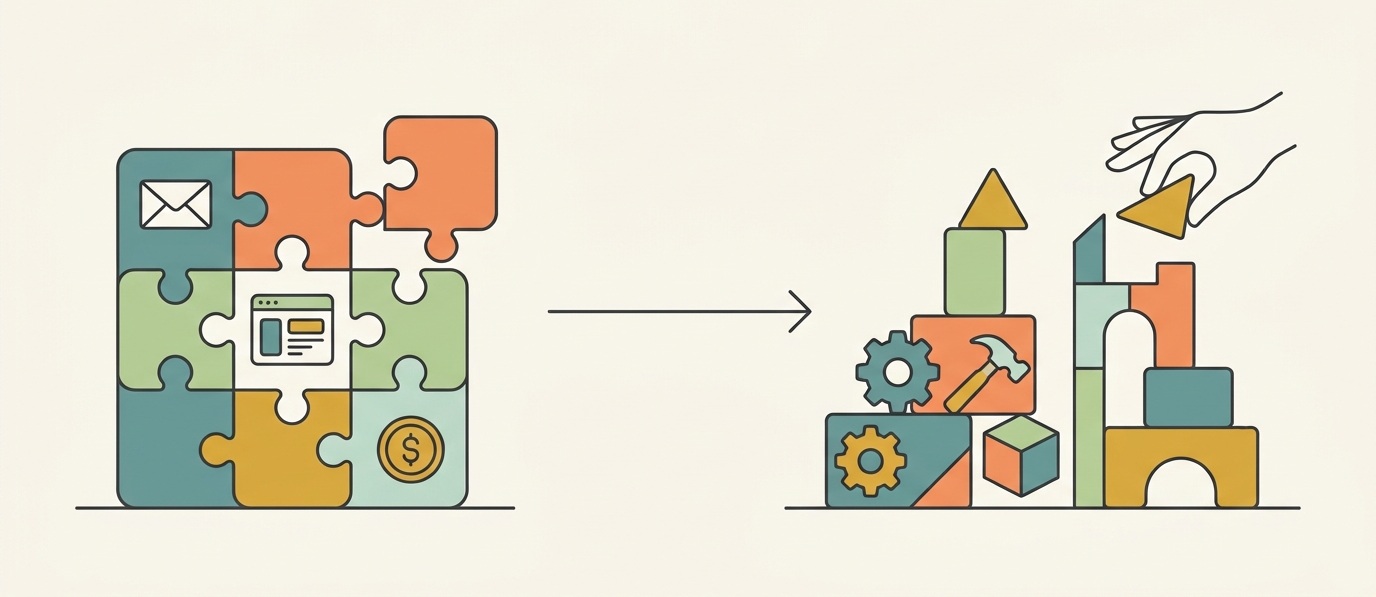
Every growing business eventually asks the same uncomfortable question: is the software still helping us, or are we just working around it?
SaaS is the right choice when your needs are common and already well supported. Custom software earns its cost once the workaround, in lost time, lost revenue, or a frustrating customer experience, costs more than building the real solution would.
A SaaS platform gets a business running quickly. It removes most of the technical burden of running software yourself, and for many companies, that is genuinely enough. However, growth tends to expose the gaps in such platforms. A sales team may need a quoting workflow the platform does not offer. A support team may need a ticketing process that does not match the tool’s fixed structure. A warehouse system may need to talk to the storefront in real time. Different departments, same underlying pattern.
At that point, the custom software vs SaaS question changes shape. It is no longer which platform to use, but whether continuing to work around an off-the-shelf system still makes sense. In most cases, the answer is rarely all or nothing. The core platform can stay in place while a custom layer handles the parts a standard setup cannot.
SaaS vs. Custom Software: what is the difference?
SaaS, or software as a service, is software you use rather than build and operate yourself. Shopify, HubSpot, and Salesforce all follow this model, charging a subscription while the provider handles hosting, updates, and security.
Custom software, by contrast, is built around your specific requirements rather than asking you to adapt your process to fit someone else’s product. Neither approach is inherently better. SaaS suits requirements that are common and already well served, while custom software becomes worthwhile once requirements grow unusual or genuinely hard to solve with existing tools.
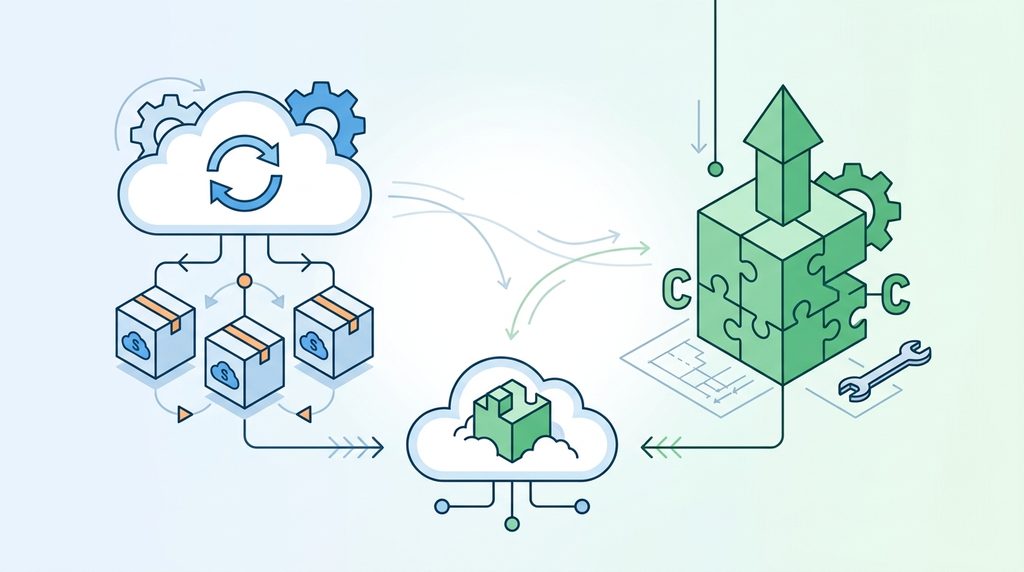
There is also a third path businesses often overlook: combining the two. Most modern platforms expose their data through APIs. This means a business can keep its core system in place while a custom layer, a specific frontend screen, a reporting tool, or an integration, handles the one part that needs more flexibility. This hybrid approach avoids rebuilding an entire system from scratch just to fix one weak point.
When SaaS still makes sense
Before considering custom development, it is worth asking what the existing platform already does well. If your business needs standard functionality, such as email marketing, appointment scheduling, or basic accounting, an established SaaS platform is likely more than enough.
SaaS tends to be the right call when processes are fairly standard and the platform already supports what you need. Many teams also simply prefer not to manage infrastructure themselves. Building software simply because you can rarely makes good business sense. The key is not to mistake wanting more control for actually needing custom software.
Signs your business has outgrown SaaS
Knowing when to switch from SaaS to something more tailored gets harder once your team starts spending real time and money working around the software instead of using it. A few warning signs tend to show up together, regardless of which platform a business runs on.
Add-ons become the default answer to every problem
A growing operation accumulates extensions for search, reporting, notifications, and third-party integrations. This is not an issue by itself, since most platforms are built to be extended. However, trouble starts once extensions overlap or slow the system down. Adding one more add-on to solve a problem the platform was never designed for is often a sign the architecture itself needs rethinking.
The customer or user journey no longer fits the platform
Standard software assumes a fairly linear path, whether that is browse to purchase or signup to onboarding. Real businesses are messier. A B2B buyer may need to request a quote first. A manufacturer may need dozens of configurable options. These can sometimes be bolted on through extensions, but once the experience becomes a stack of workarounds, a custom layer usually offers a cleaner result.
The system now depends on several other tools
Consider a business whose core platform must communicate with an inventory system, a payment processor, and an internal portal. At that point, the platform is no longer standalone software. It is one part of a larger system, and it needs to be built to act like one.
Performance becomes a business problem, not just an annoyance
Slow pages, sluggish search, and frustrating checkout or signup flows are rarely solved by another optimization add-on. The underlying cause is often the architecture itself, whether that is too many database queries or too much unnecessary work happening behind the scenes. As operations scale, this shifts from an inconvenience into a real cost, which is exactly why custom development becomes a performance decision as much as a feature one.
Where custom frontends and backends fit in
A custom frontend does not replace the underlying platform but rather replaces the part of the experience that a standard interface cannot flex to fit. That might be advanced product configuration, complex filtering, personalized recommendations, or a tailored dashboard. Frameworks such as React are commonly used here because they respond instantly to what a user does, without reloading the entire page each time. Meanwhile, the core platform keeps handling the underlying data, orders, and records behind the scenes.
Once a business has complicated integrations or business rules, it also needs a dedicated backend layer, separate from the frontend. This is where backend frameworks such as NestJS become useful. Rather than cramming every business rule into the platform itself, a dedicated backend can manage specific processes such as pricing logic or data syncing. It then communicates with the core system through its APIs. In turn, each part of the system does the job it is actually built for.
A practical framework for the build vs. buy decision
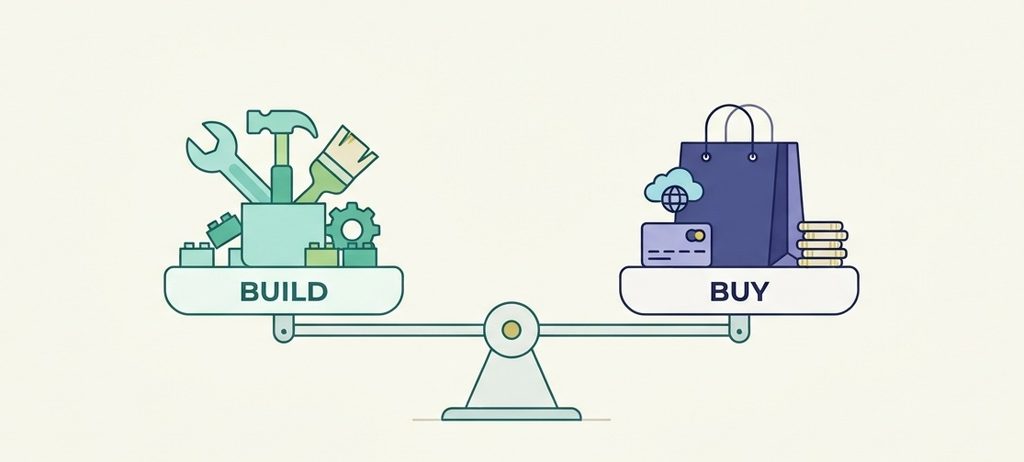
Five questions tend to clarify a build vs buy software decision better than a straight cost comparison.
- Is the requirement common, in that competitors solve it with an established SaaS product?
- Is it central to what makes your business different?
- How expensive are the current workarounds, once you count developer time and missed opportunities rather than just the subscription fee?
- Does the limitation genuinely affect revenue or daily operations, rather than being a minor inconvenience?
- Will the problem grow along with the business, since a workaround tolerable at five hundred transactions a month can become a serious constraint at five thousand?
Weighing these together, rather than comparing a single development quote against a monthly subscription, usually points to the right answer.
You do not need to replace the whole platform
One common mistake is assuming that building means starting from zero. The more sensible approach is often to extend only the specific parts causing friction. That might be a customer-facing frontend, a backend integration layer, or both. In some cases, the answer is simply optimizing the existing setup and removing unnecessary complexity. The right architecture always depends on the actual problem being solved, not a fixed formula.
Build where it creates value
Custom software should earn its place. If an existing SaaS product solves the problem well, use it. If your current platform already serves the business effectively, keep it as is. Build only where the limitations of existing tools are genuinely affecting revenue, customer experience, or the business’s ability to move forward.
If your platform is becoming a constraint rather than an advantage, talk to Web Experts Nepal about what is worth optimizing, extending, or rebuilding.
Contact UsFrequently Asked Questions
- How long does custom development take versus switching SaaS?
Switching SaaS often takes weeks. A focused custom build usually takes a few months. - Do we need an in-house team to maintain custom software?
Not necessarily. Many businesses maintain it through an ongoing relationship with their development partner instead. - Can we test custom development before committing fully?
Yes. Building one feature first, like a quoting workflow, lets you validate the approach before going further. - What if custom software stops meeting our needs later?
It can be extended or rebuilt in parts, unlike SaaS, where you are limited to what the vendor decides to change. - Does custom software increase security risk?
It shifts responsibility from the SaaS provider to you, which means more planning on your part but also more control. - What is vendor lock-in, and does custom software avoid it?
It is the dependency on a provider’s pricing or roadmap. Custom software reduces that, since you own the code.
Related resources.
Why WordPress Powers Over 40% of the Web

What Makes a WordPress Website Sustainable Long-Term?
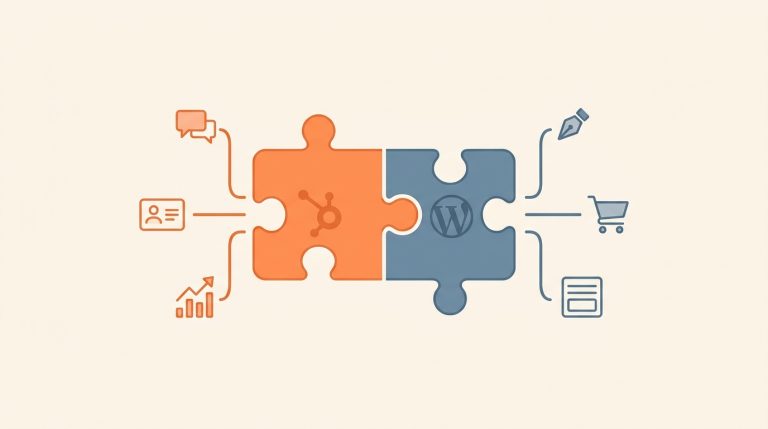
HubSpot and WordPress: How To Connect The Two Platforms The Right Way
Have an idea worth building?
Share your concept with us and we’ll help you shape the right approach.