

Two agencies look at the same website. One quotes $800 to make it multilingual, and the other quotes $8,000. Neither is necessarily wrong. The gap exists because the price depends far less on the language itself than on the work around it.
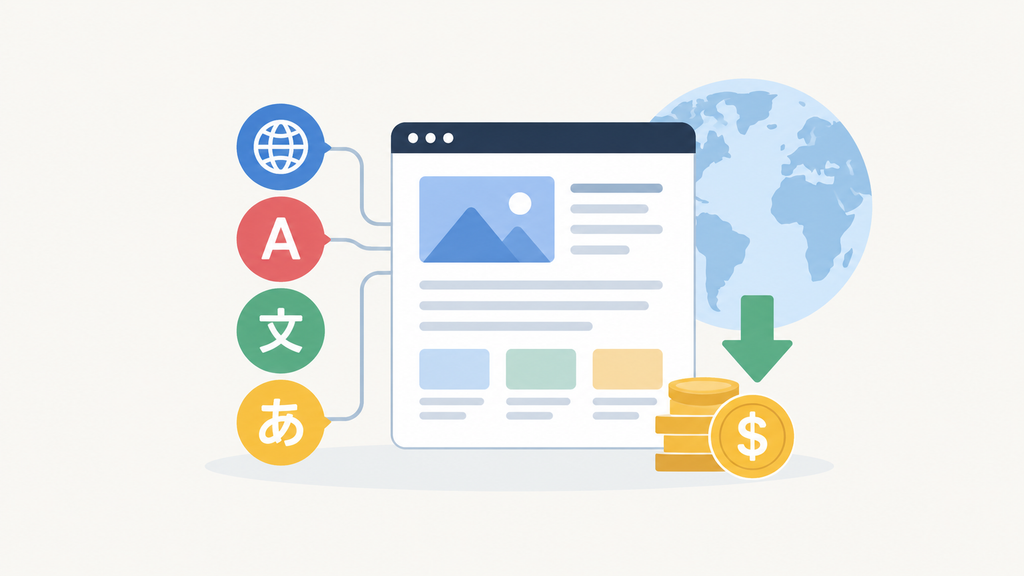
A multilingual website typically costs $500 to $3,000 for a small business site with one or two added languages, and $5,000 to $20,000 or more for a larger site with professional translation, an online store, and search optimization. Five factors move the price most: the amount of text, the translation method, search optimization, the platform, and whether the site sells products. In simple terms, the total equals the translation cost, plus the technical setup, plus the work that makes each language findable on Google.
Typical multilingual website cost ranges
| Type of project | Typical cost |
|---|---|
| Small site, machine translation only | $300 to $1,000 |
| Small business site, 1 to 2 languages, human-reviewed | $500 to $3,000 |
| Professional multilingual business site | $2,000 to $7,500 |
| Large site with extensive content | $5,000 to $20,000+ |
| Multilingual ecommerce store | $3,000 to $15,000+ |
| Complex multilingual web application | $10,000 to $30,000+ |
These figures are starting points rather than quotes. A 20 page site with one extra language is a very different project from a 500 page store with five.
What drives the cost of a multilingual website
Amount of content
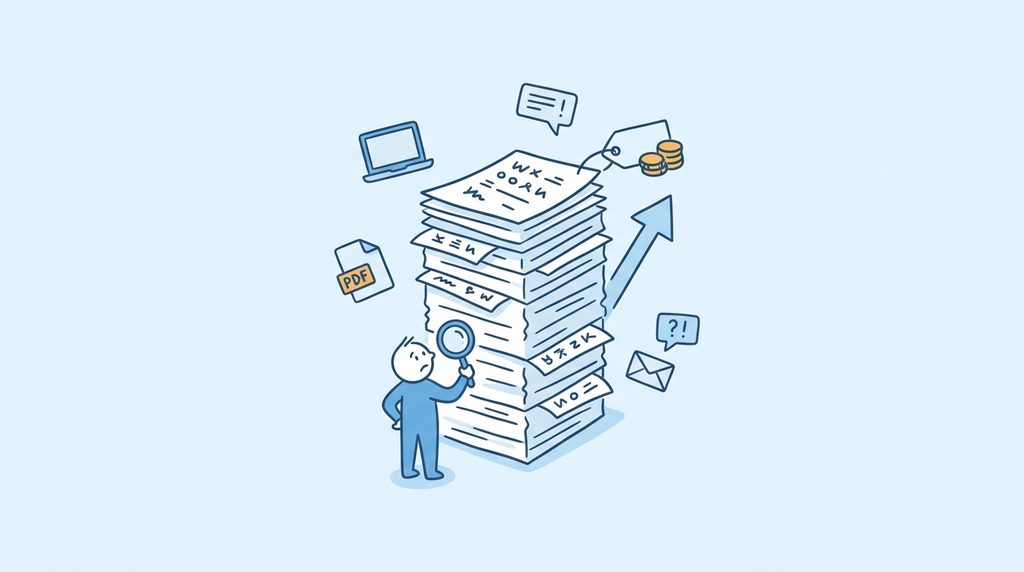
Translation is priced by the word. Every word also needs review, placement on the page, and a check in context. More text therefore means more hours at every stage, which makes word count a better guide than page count. A 50 page site of short service pages may hold less text than a 20 page site with detailed product descriptions. Text also hides in blog posts, PDFs, forms, emails, and error messages, so count those as well.
Translation method
The method sets the price of each word. Professional human translators typically charge $0.08 to $0.25 per word. That puts a 10,000 word site at roughly $800 to $2,500 per language. Machine translation costs a fraction of that, because software writes the first draft. However, software can miss tone, industry terms, and cultural nuance, and an unnatural site loses the trust of buyers. Many businesses therefore combine the two. A machine draft comes first, and a native speaker then reviews the pages that customers rely on.
Number of languages
Each language adds cost, but not in equal amounts. The first extra language carries the heaviest bill, because it requires the foundation that every later language shares. That foundation includes the language switcher, the site structure, and the settings that connect the versions. Once it exists, a third or fourth language mostly needs translation, review, and testing. Consequently, the first added language usually costs the most, and later ones cost somewhat less. However, the total still rises with every language, so a six language site costs far more than a two language one.
Multilingual SEO
Translation makes a page readable, but search optimization (SEO) makes it findable. The two are separate jobs. People in different countries often search for the same service with different words, so a literal translation of your English keywords may match nothing anyone types. Each language therefore needs its own keyword research, page titles, and descriptions. It also needs language labels in the site code, known as hreflang tags, which tell Google which version to show each visitor. This is specialist work, which explains the extra cost.
The location of each language is the next decision. Most sites place translations in folders of the main address, such as example.com/fr/, which is the simplest to maintain. Separate addresses for each country, such as example.fr, add local credibility but cost more to build and manage. Make this choice before launch, because changing it later means broken links and lost rankings.
Platform and existing website
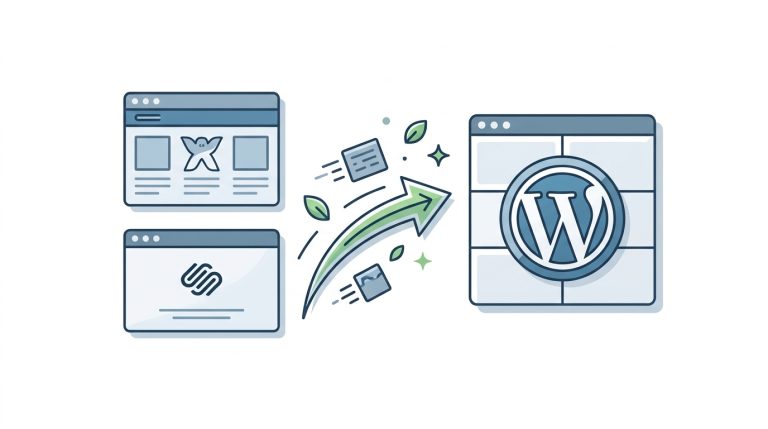
The platform determines how much must be built rather than configured. WordPress offers add-on software, called plugins, such as WPML, Polylang, TranslatePress, and Weglot. These already handle translated pages and menus. A custom application has no such shortcut, so developers must create the translation tools from scratch. Our comparison of WordPress vs custom development covers this trade-off in more depth. For businesses currently on Wix or Squarespace whose multilingual plugin options are limited, migrating to WordPress is often the more cost-effective path to proper multilingual support.
The age of the site matters as well. Older sites often have text fixed directly into their code, and that text must be extracted before translation. A new build avoids this cleanup.
Online stores and custom features
Online stores hold more translatable content than most people expect. Every product, category, checkout page, shipping notice, and order email needs a version in each language. A store with 1,000 products therefore behaves like a 1,000 page translation project, and it may also need local currencies and tax rules. Custom features such as booking systems and directories add cost in the same way, since each must be tested in every language. A multilingual WooCommerce store shows how these requirements combine, while highlighting why such stores should also plan a product page speed audit after launch.
Design and layout
Translated text rarely occupies the same space as the original. A button reading “Buy now” can grow considerably in German, and Arabic runs right to left, so the whole layout must be mirrored. Designers must adjust and test each language, which is why this cost appears even though no new words are involved. Meanwhile, extra languages add pages, so it is worth reviewing website performance afterward.
Ongoing content management
A website keeps changing, and every change in the main language creates a translation task in the others. Publishing a weekly English blog post, for example, means a weekly translation job. This cost continues after launch, so budget for it from the start. A small site can manage with a simple plugin workflow. A site with several editors, however, benefits from a structured process linked to a translation service.
How to reduce the cost of a multilingual website
Three choices make the biggest difference. First, launch with the one or two languages that have the strongest business case, which avoids paying for markets with little demand. Likewise, translate high value pages first, such as the homepage, services, pricing, and contact page, while older content waits. Finally, use machine translation for low-stakes material, such as archived blog posts. This frees the budget for human review where it counts.
So, the question becomes: is it really worth it?
For businesses that serve customers in several languages or countries, it usually is. A multilingual site opens new markets, builds trust with local audiences, and brings in search traffic that an English only site cannot reach. However, adding languages simply because they are available is a poor strategy. If demand is low, translating hundreds of pages creates a permanent maintenance cost without meaningful return.
Planning your multilingual website
The cheapest quote is not always the best value, so gather a few details before requesting one. Know which languages you need, roughly how many words require translation, who will translate them, whether the site sells products, and how often the content changes. With those answers, a developer can give you a realistic estimate. If you are adding languages to an existing WordPress site or planning a multilingual build from scratch, Web Experts Nepal can help you assess the development, translation, and SEO requirements before you commit to a budget.
Contact UsFrequently asked questions
- Is a free translation widget enough?
Usually not for a business that wants search traffic. Widgets translate pages in the visitor’s browser, so Google generally cannot read the translated text. The pages therefore will not rank in that language. - How do I decide which language to add first?
Start with evidence rather than guesses. Check where your current visitors, inquiries, and sales come from. The language your existing audience already needs is usually the safest first choice. - Will translated pages hurt my existing search rankings?
Not when they are set up correctly. Google treats properly labeled translations as separate pages for separate audiences, so they do not compete with your original. Problems arise mainly when translations are published in bulk without review or labeling. - Can my own staff translate the website?
Yes, provided they are native speakers who understand your industry. Fluency, however, is not the same as writing persuasively for customers. An outside reviewer is still worth using for pricing and service pages. - Do I need a separate website for each language?
Rarely. One website with several language versions is easier to manage and usually cheaper. Separate sites make sense mainly when each country has its own products, prices, or legal requirements. - How long does it take to make a website multilingual?
A small site can often be finished in two to four weeks. Large sites and online stores commonly take two to three months. Translation and review usually take longer than the technical setup.
Related resources.
What Makes a WordPress Website Sustainable Long-Term?
Migrating From Wix or Squarespace to WordPress: A Practical Guide

Website KPIs That Actually Matter
Have an idea worth building?
Share your concept with us and we’ll help you shape the right approach.