
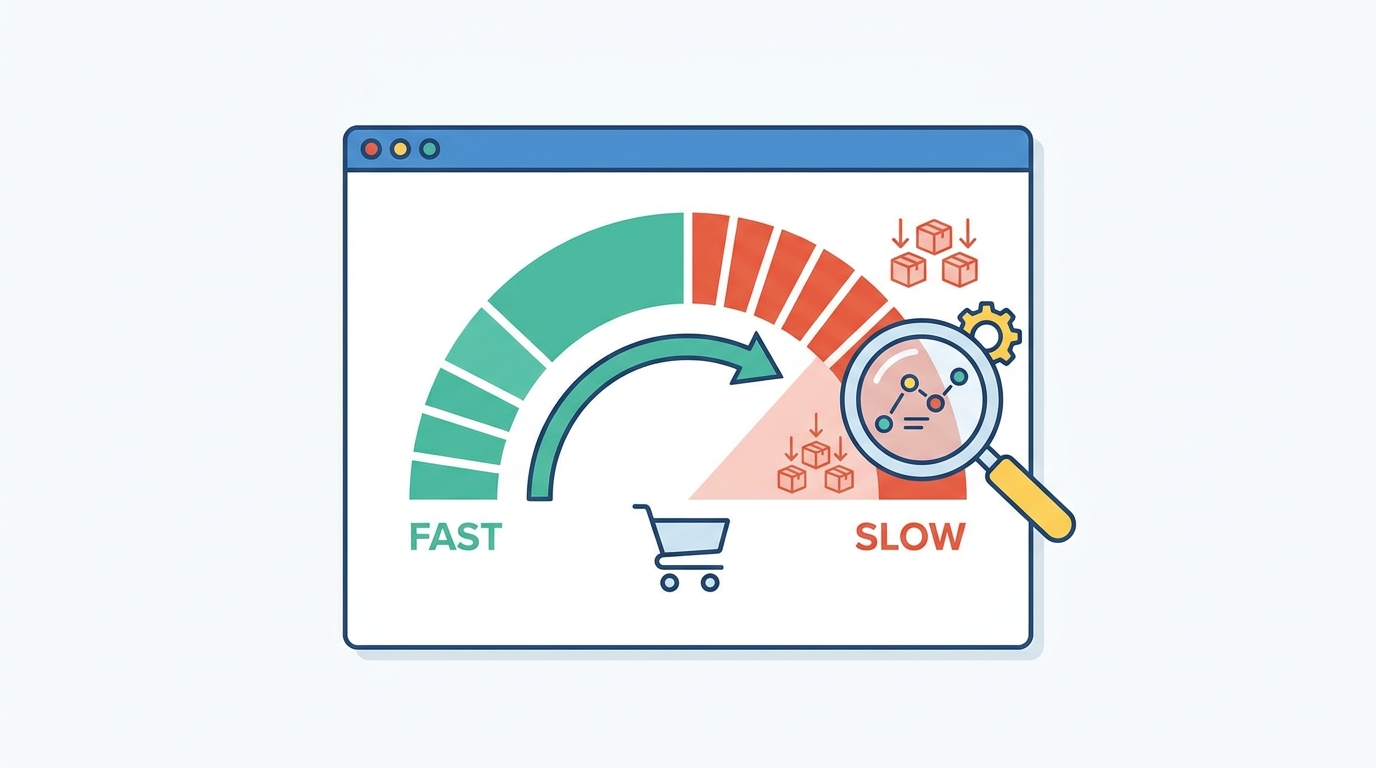
A WooCommerce store can feel fast with fifty products and frustratingly slow with five thousand. The cause is rarely the catalog size on its own; it is everything happening behind each product page, from variations and database queries to images and plugins competing for the server’s attention before a customer ever sees the result. That decline in WooCommerce product page speed is what a proper audit is built to catch early.
In short, WooCommerce does not slow down simply because a store has more products. It slows down when the work required to display, filter, and manage that catalog grows faster than the infrastructure supporting it. A product page that loaded in two seconds a year ago may now take much longer, not because anything broke, but because years of new products and extensions have quietly added weight. A speed audit finds out what is actually responsible and which fixes are worth making before slow pages start costing sales.
Why WooCommerce product pages slow down as a catalog grows
A well-built store can carry a large catalog without strain. The trouble tends to start with accumulation: more product variations mean more data to process for every size or color combination, while a growing product database piles up attributes and metadata the store still has to sift through on every request. Plugins add to the load in a similar way as search, filtering, and marketing tools are each useful on their own, but together they introduce extra queries that stack up over time.
To add on top of all that, images and filters tend to compound the problem. Large, unoptimized galleries increase page weight, particularly on mobile connections, and layered attribute filtering can trigger expensive queries if it was not designed with a growing catalog in mind. Custom code left over from earlier redesigns adds further overhead, since poorly written theme functions run on every product request whether they are still needed or not. The result is usually a store where the homepage still loads well, but product and category pages grow noticeably slower.
What a speed audit should examine
A useful audit goes beyond running the homepage through a speed testing tool. Product pages need to be tested under realistic conditions, including different product types, mobile devices, and real traffic patterns.
Server response and WooCommerce database optimization
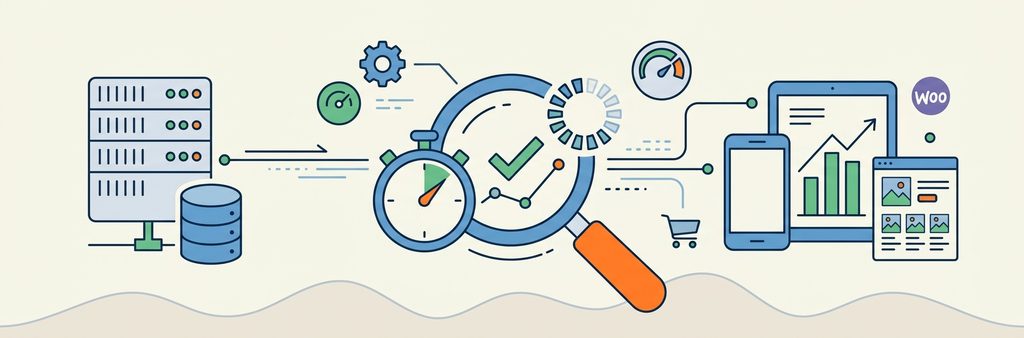
Before a browser can download images or run JavaScript, the server has to generate the page, a delay measured as Time to First Byte (TTFB ). A high TTFB usually points to slow database queries, inefficient PHP execution, or hosting that was never sized for the store’s current workload. If the server takes several seconds just to begin responding, optimizing images alone will not fix it. WooCommerce pulls together product attributes, variations, stock status, and reviews on nearly every page, and a small number of poorly optimized queries can do more damage than many efficient ones combined. This is where WooCommerce database optimization matters most: a proper audit identifies those slow queries, checks database indexes, and reviews whether plugins are requesting unnecessary data on every page load.
Variable products and large catalogs
Variable products deserve particular attention. A product with a handful of variations is straightforward, but one with hundreds of combinations creates a much heavier page, since the browser has to process variation data, update prices, and check availability in real time. This affects both the server, when variation data is retrieved, and the front end, when JavaScript handles large amounts of product data at once. If a store has products running into hundreds or thousands of variations, the fix may involve changing how that data loads or rethinking the product structure altogether.
Images, plugins, and third-party integrations
Images are usually the easiest area to improve, though they are not the only culprit. A typical product page loads a featured image, gallery images, and several thumbnails for related products, so correct sizing, modern formats such as WebP, and lazy loading below the fold address most of this without sacrificing product detail.
Plugins and outside integrations deserve equal scrutiny. A store accumulates extensions over the years, and some remain installed long after their original purpose has disappeared. Each one can add database queries, scripts, or API calls, and a plugin that worked fine on a small store can become a bottleneck once catalog size or traffic increases. The same applies to third-party services such as recommendation engines or shipping integrations, where a slow external request can delay the page even when the WooCommerce code itself is efficient.
Why search and filtering become expensive
As catalogs grow, customers expect to use specific filters (like brand, size, color, and price) all at once. A request as specific as “black running shoes, size 42, under $150, in stock” involves several taxonomies and sorting rules running together, and if the underlying queries are not efficient, filtered category pages slow down as the product count rises. For larger catalogs, the fix is usually better query design or a dedicated search service, since adding more front-end JavaScript does not make filtering faster on its own.
Where React for WooCommerce can help
Not every WooCommerce store needs React since a conventional WordPress theme handles a fast, effective shopping experience well when it is built properly. React for WooCommerce becomes useful when a store has complex product interactions that are hard to manage with traditional page reloads, such as large configurators, live pricing, or B2B buying experiences with inventory-aware selection, since it can update only the parts of the page that change instead of reloading everything.
That said, React is not a performance shortcut by itself. A poorly implemented React interface can be just as slow if it loads too much JavaScript or renders large amounts of data at once, so the better question is which parts of the shopping experience genuinely need a richer front end and which should stay simple.

How to prioritize improvements
Not every performance issue deserves the same investment, so the order matters. Start by identifying the actual bottleneck rather than replacing hosting or rebuilding the theme before knowing what is causing the delay. From there, address the largest sources of unnecessary work, such as slow queries or missing caching, before moving on to what customers actually notice, like fast-loading images and responsive filters. Architectural changes belong last: if the store has genuinely outgrown its theme or product structure, a larger project may be justified, but this order keeps a store from spending heavily on a rebuild when targeted optimization would solve the problem just as well.
When a store needs more than optimization
Some stores reach a point where small fixes stop being enough, usually shown by consistently slow server responses, filtering that becomes unusable as the catalog grows, and product data scattered across several systems. When performance problems keep returning after every round of fixes, that is a sign the underlying platform has outgrown its current setup. Even then, a full rebuild is rarely the first step. A phased approach tends to work better: optimize the existing platform, fix the most problematic product templates, and bring in React or custom development only where it solves a specific business problem.
A growing catalog should support more sales, not make every product page harder to use. Web Experts Nepal works with businesses that need WooCommerce performance optimization, from diagnosing slow product pages to fixing the database, image, and plugin issues behind them, and custom development where a store’s product experience has outgrown a standard theme. The focus is finding what is actually slowing a store down and making the changes that move the needle. If your WooCommerce store is getting slower as your catalog grows, a WooCommerce speed audit is the place to start before it becomes a bigger problem.
Contact UsFrequently Asked Questions
- Does WooCommerce slow down when you add more products? Not automatically. A well-optimized store can handle a large catalog without issue. Slow product pages usually come from inefficient queries, complex product data, too many plugins, or hosting that has not kept pace with growth.
- How many products can WooCommerce handle before it becomes slow? There is no fixed limit. The outcome depends on product complexity, variations, traffic, and how the store was built. A store with thousands of simple products can outperform a smaller one built around complex variable products.
- What is the difference between a speed audit and a general website speed test? A general speed test measures how a page loads in the browser. A WooCommerce audit goes further, examining the database queries, product data, plugins, and caching behind that page.
- Can React make a WooCommerce store faster? It can improve the responsiveness of complex product interactions by updating only the parts of the interface that change. It does not automatically make a store faster, though; the implementation and amount of JavaScript still matter.
- Should I rebuild my store if product pages are slow? Not necessarily. Many stores improve significantly through targeted optimization alone. A rebuild becomes more relevant when the existing theme or product structure makes it genuinely difficult to fix the underlying problems.
- How often should a WooCommerce store have a speed audit? Especially useful after major catalog growth, a redesign, or a hosting change, and worth revisiting whenever customers report slow product pages or performance declines without an obvious cause.
Related resources.
What You Should Know About Headless CMS Platforms
How to Choose the Right eCommerce Platform for Your Business
Migrating From Wix or Squarespace to WordPress: A Practical Guide
Have an idea worth building?
Share your concept with us and we’ll help you shape the right approach.