
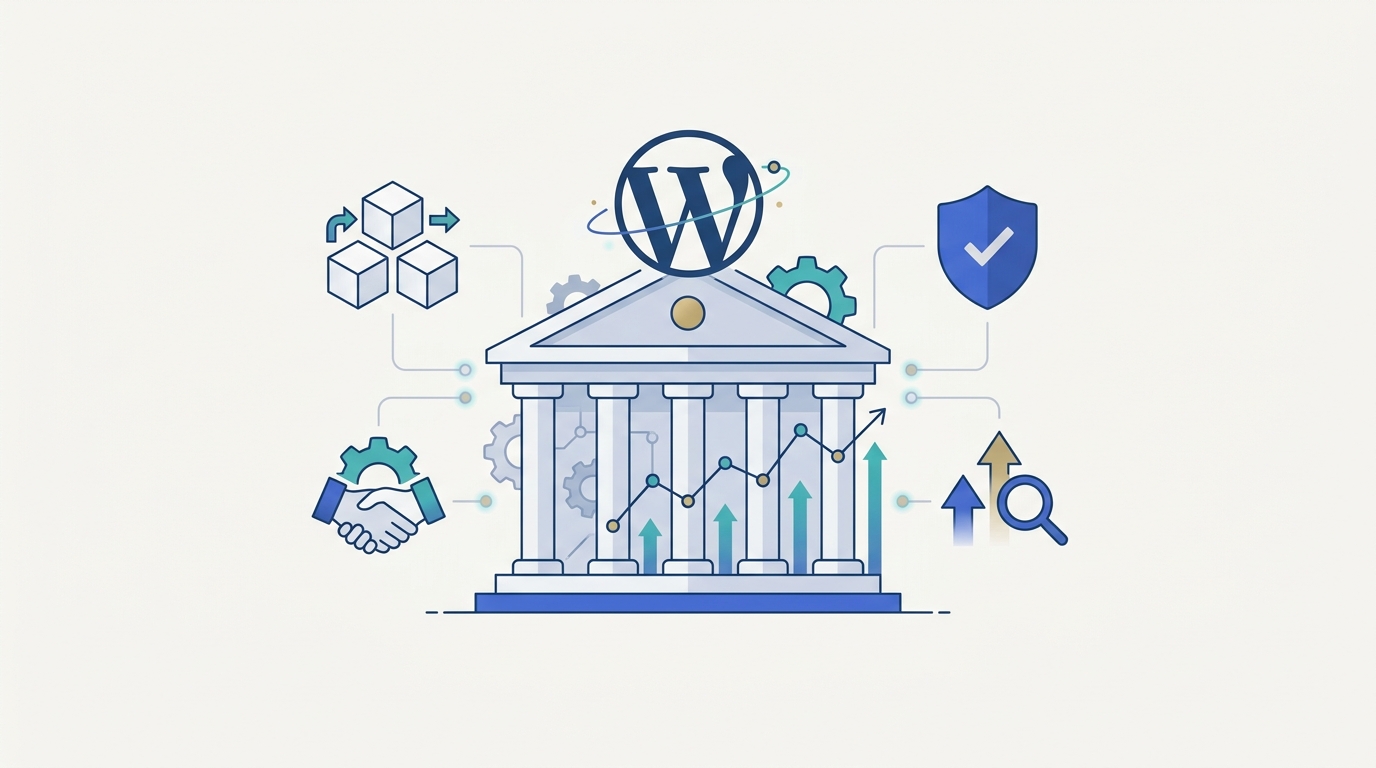
Enterprises spend millions rebuilding their websites on proprietary platforms, only to discover that the CMS they dismissed as a blogging tool is still running the digital presence of Microsoft, CNN, TED, and Meta. As of August 2026, WordPress powers roughly 40.8% of all websites and holds close to 59% of the identifiable CMS market, appearing on nearly half of the top one million sites worldwide.
Enterprise WordPress is a version of the platform built with the architecture, hosting, and governance a large organization actually needs: high traffic capacity, strict access controls, multilingual content, and integrations with CRM and ERP systems. That is different from the simple installation most people picture when they hear the word WordPress. The real question for a growing company is not whether WordPress can run an enterprise website. It is whether it can be engineered to meet that specific organization’s requirements.
What enterprise readiness actually requires
A large organization typically needs multiple regional or brand sites, complex publishing workflows, high traffic capacity, and integrations with marketing and business systems. No CMS becomes enterprise ready simply because it lists these features. It earns that status when the technology, hosting environment, and internal workflows are deliberately built around them, which is exactly where WordPress has become more capable than its reputation suggests.

Control without vendor lock-in
WordPress is open source, so organizations are not tied to one vendor’s licensing terms or roadmap. It can connect to a CRM, a payment gateway, or a custom internal system without forcing a company to rebuild its entire technology stack around the CMS. This matters most for enterprises that expect their needs to keep changing, since WordPress can sit at the center of a shifting technology environment rather than becoming an obstacle to it.
The platform has also grown beyond its traditional form. In a headless setup, WordPress manages the content behind the scenes while a separate, more modern front end delivers the actual browsing experience to visitors. Multisite installations let one WordPress account run several related properties, which suits organizations with regional or departmental sites. A company, as a result, rarely has to abandon WordPress as its technical needs grow more sophisticated; the setup can change alongside the business instead.
Performance depends on engineering, not the platform
Whether WordPress can handle a major traffic spike depends almost entirely on how it is built. A poorly configured site struggles with modest visitor numbers, while a properly built one can support extremely high volumes. Enterprise deployments typically combine strong hosting, tools that serve pages faster to visitors around the world, and database and image optimization, alongside load balancing and ongoing monitoring. WordPress VIP, for instance, describes infrastructure that scales automatically with demand and serves very large volumes of traffic. Hosting quality and development practices, in other words, set the ceiling far more than WordPress itself does.
That same setup pays off for everyday publishing. A well-structured WordPress site lets marketing teams update landing pages, service information, and campaigns without opening a development ticket for every small change. WordPress VIP has documented measurable gains in publishing speed among enterprise customers after adopting this kind of environment. A shorter distance between an idea and a published page, likewise, can directly affect how quickly a business responds to its market.
Security and accessibility are ongoing practices
The claim that WordPress is insecure usually confuses the platform with a poorly maintained website. Outdated plugins, weak passwords, and unmonitored code create risk regardless of which CMS sits underneath them. Enterprise WordPress security instead comes from continuous practice: regular updates, role based permissions, added login verification, firewalls built for web applications, and routine testing. WordPress.org treats security as core to its enterprise offering precisely because organizations with strict compliance requirements already rely on it.
Accessibility works the same way. WordPress can support a fully accessible enterprise site, but only when screen reader compatibility, clear navigation, and recognized accessibility standards are considered throughout development rather than checked at the end. The CMS does not make a site accessible on its own; the people building it do.
Built for search engines and AI answer tools
Enterprises with thousands of pages across products, regions, and languages need more than keywords placed in the right spots. They need consistent metadata, structured data that clearly labels what each page is about, and a sitemap that helps search engines find every page. WordPress provides a strong foundation for this because its ecosystem includes mature SEO tools, and because developers can build content in clearly organized formats, such as defined headings, direct answers near the top of a page, and consistent labeling across similar pages.
That same organization also helps content surface in AI powered search tools and chat-based assistants, which tend to favor pages with clear structure, direct answers, and consistent facts over pages that bury the point in long, unstructured paragraphs. A technical setup is only half the equation, however. The content itself still needs to answer the reader’s question plainly and early, rather than relying on structure alone to do the work.

Integration and governance at scale
Most enterprises run far more than a website. WordPress can connect to CRM, ERP, and marketing platforms through standard integration methods, acting as the content layer sitting on top of an existing technology stack rather than replacing it. This matters most to companies that have already invested heavily in other business systems and have no interest in rebuilding them just because the website is changing.
Governance keeps that flexibility from turning into inconsistency. Without reusable page components, clear editorial workflows, and defined development standards, a large website can quickly end up looking like it was built by five different teams, because it usually was. A mature WordPress setup solves this not by restricting everyone equally, but by giving the right people the right amount of control.
Frequently Asked Questions
- Is WordPress suitable for enterprise websites? Yes. WordPress runs large organizations across media, ecommerce, higher education, and government. Its open source model, flexibility, and large developer community make it a realistic option for enterprise environments.
- Can WordPress handle high traffic? Yes, provided the hosting, caching, and underlying code are properly built. Enterprise WordPress platforms regularly operate at very large traffic volumes.
- Is WordPress secure enough for enterprises? It can be, but security depends entirely on ongoing management, including updates, access controls, and monitoring, rather than on the software alone.
- Can WordPress integrate with Salesforce? Yes, through built in connections, plugins, or custom development, depending on what data needs to move between the two systems.
- Can WordPress function as a headless CMS? Yes. WordPress can manage content behind the scenes while a separate, modern front end delivers the actual experience to visitors.
- Is WordPress good for enterprise SEO? Yes. It supports structured content and integrates with major SEO tools, though execution quality still matters most on large sites.
The real case for enterprise WordPress
WordPress is not the right fit for every enterprise, and choosing it simply because it is popular is a weak reason on its own. A company already deeply invested in another enterprise CMS, or one running highly specialized internal workflows, may have good reasons to stay where it is. For organizations that need flexible content management and a large pool of experienced developers to draw from, however, WordPress deserves serious evaluation rather than a dismissal based on its reputation from a decade ago.
The strongest argument for it is not that WordPress is cheap or easy. It is that WordPress gives organizations a foundation flexible enough to change as their teams and technology needs change, something rigid, proprietary platforms tend to struggle with. If your team is weighing WordPress against a proprietary CMS, the right starting point is not a feature comparison. It is a discovery process that maps your content structure, integration needs, and governance requirements before any architecture decisions get made, since getting that foundation right early avoids a costly rebuild later. We at Web Experts Nepal can help you in discover what your business’s development needs, which options are the best meet those needs, and how to get the most effective and efficient results.
Contact UsRelated resources.

What Is MVP Development? Meaning, Process, and Why Startups Use It
HubSpot and WordPress: How To Connect The Two Platforms The Right Way
React for Product Development: When It Makes Sense and When It Doesn’t
Have an idea worth building?
Share your concept with us and we’ll help you shape the right approach.