
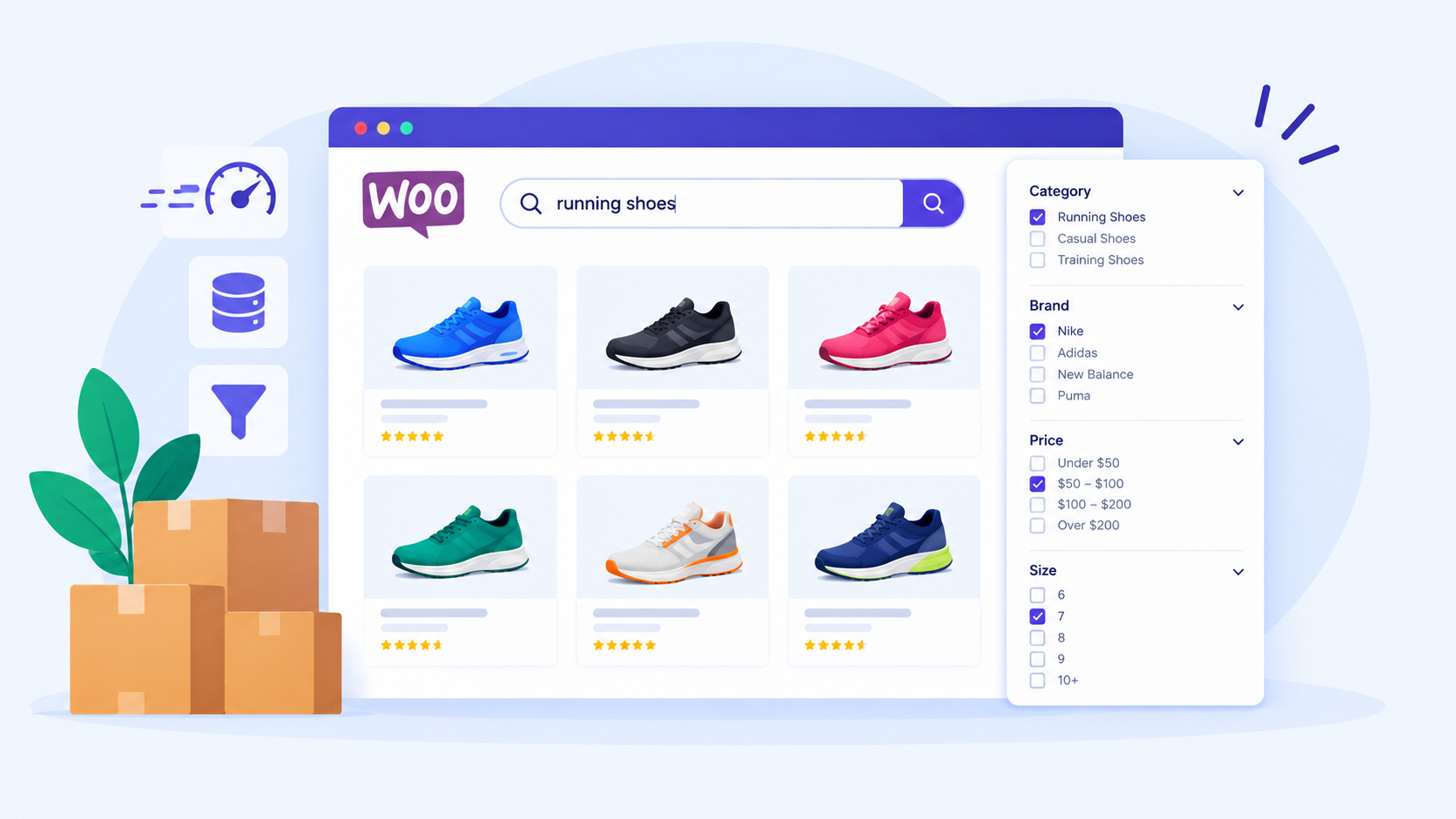
Nobody sends a complaint when a store search is slow. The customer simply leaves, and the only evidence is a sale that never appears in your reports.
Yes, WooCommerce can run 10,000, 50,000 or more products without slowing down. The condition is that the product data is organized consistently and the search, filtering and hosting are designed for a catalogue of that size. The number of products is seldom the culprit; the real cause is usually how the catalogue is structured and how the store retrieves results when customers search or filter.
This guide explains what drives the slowdown in plain terms and what to fix first.
What actually slows down a large WooCommerce store
A large WooCommerce store slows down when the database has to examine too much product information every time a customer searches or filters. A product page speed audit covers the full range of these database and performance factors in detail, from query optimization to image loading and plugin overhead
Variations in products tend to show how quickly such workloads can grow. WooCommerce counts every size, colour or configuration of a product as its own record in the database. A store with ten thousand simple products carries a very different workload from one with ten thousand products that have thirty variations each. The second store ends up managing roughly 300,000 records.
Attributes, categories, custom fields, images and pricing rules add further weight, and all of it shares the same database and server. Consequently, a test on a small development copy of the store can look perfectly healthy and still fail under real conditions. Meaningful testing needs the full catalog and realistic traffic.
Why search and filtering cause the most trouble

Customers rarely page through thousands of products. Instead, they search, choose a category and narrow the results by brand, price, size or availability, often combining several choices at once. Imagine an industrial supplier with 25,000 products. A buyer searches for a 12V LED panel, then filters by brand, voltage, mounting type and stock status, and each click asks the database to match several conditions across a very large amount of product data.
This is why stores often behave well at 500 products, feel sluggish at 5,000 and become frustrating at 20,000. Extra server power can postpone the problem, but better organization of the data resolves it.
Organize product data consistently
Over time, imports and plugins tend to record the same detail in different ways, so one colour might appear as “Black”, “black”, “BLACK” and “Colour: Black”. A shopper sees one colour, but the store sees four, so filters can miss some products. Recording each detail once, in one agreed format, fixes this and lets WooCommerce use its built-in shortcut tables to answer filter requests quickly. If filters are slow, verify that the shortcut tables are complete, since rebuilding them is usually a quick, inexpensive step.
Offering fewer filters helps as well. A store does not need forty of them just because it holds forty pieces of product information. Six or seven that customers genuinely use, such as brand, product type, price and availability, make shopping easier and reduce the work behind each click.
Add a dedicated search index when the catalog demands it
A search index works like the index at the back of a book, because the store finds a product directly instead of reading every page. For smaller catalogs, standard WooCommerce search is usually enough. However, stores with tens of thousands of products, technical specifications or heavy part-number searching often benefit from tools such as Elasticsearch, OpenSearch or a specialized WooCommerce search extension. The right choice depends on the business, since a fashion retailer with 15,000 products has different needs from a parts supplier with 80,000.
More searchable fields do not automatically mean better results, because each one adds work. It is better to decide what buyers actually search by, which is usually the name, part number, brand and a few key attributes, and to index those well.
How imports and updates affect the storefront
Large catalogues usually receive data from systems such as an ERP (business management software), a supplier feed, or an inventory tool. Such an import that runs smoothly at 500 products can slow the whole store at 50,000, especially during business hours. Safer setups send updates in small batches behind the scenes, retry failures and keep a record of problems. WooCommerce includes a tool for exactly this purpose, called Action Scheduler.
Likewise, the search index should refresh only what has changed. If one product changes price, there is no reason to redo the listings for all 30,000.
Caching, database and hosting

Many teams respond to a slow store by installing a caching plugin, yet caching alone rarely fixes a large catalogue. Caching only avoids repeating work, and it cannot make an inefficient request efficient. It also has limits, since category pages with stable content cache well, while carts, checkout and personalized pricing cannot be handled the same way. The more useful question is what is actually consuming the time, and measuring which requests take longest will show whether the culprit is a plugin, a heavy search or the server itself.
Custom code is a frequent source of trouble. One example is a feature that loads thousands of products just to display twenty-four. Hosting matters too, and it should be sized for real workloads, such as an import running while customers filter products, not for one visitor on a quiet afternoon. A cache, which remembers answers to common database questions, and a content delivery network that serves images quickly complete the basics. Our guide to website performance optimization covers these in more depth.
When custom development makes sense
Many stores with 10,000 products need nothing more than cleaner product data, better hosting and a tidy-up of unused plugins. Custom development pays off when the business needs more than standard plugins can deliver smoothly. Typical examples include 50,000 or more products, hundreds of thousands of variations, a live connection to an ERP or inventory system, customer-specific pricing and detailed compatibility filtering, where a shopper must find parts that fit a particular machine or model. Teams still weighing platforms may also find our WooCommerce vs Shopify comparison useful.
Is your catalog slowing down sales?
If customers are struggling with slow search, filtering or category pages, the first step is to find where the bottleneck sits. Web Experts Nepal works with WooCommerce stores on custom development, catalogue optimization, integrations and search, and a technical review can show whether the issue lies in the database, product structure, search, hosting or custom code. Contact our team to discuss what a review of your catalogue would involve.
Contact UsFrequently asked questions
- How many products can WooCommerce handle?
WooCommerce has no fixed product limit, and stores with 50,000 or more products run successfully when the product data is well organized. Variations, filters and imports usually matter more than the raw product count. - Does a large WooCommerce store need Elasticsearch?
Not always. Stores with a few thousand simple products often perform well with standard search, while catalogues with tens of thousands of products or complex specifications usually benefit from a dedicated search tool. - How can I tell whether my store is slow because of its catalogue or its hosting?
Compare a simple page with a search or filter result. If only the search is slow, the catalogue setup is the likely cause, and slowness everywhere points toward hosting or a heavy plugin. - Is moving to another platform the answer for a slow catalogue?
Rarely. Most slowdowns come from how the catalogue is organized, and those problems tend to follow a store to a new platform unless they are addressed first.
Related resources.

Migrating From Wix or Squarespace to WordPress: A Practical Guide

How to Future-Proof Your Website

Rethinking Speed: From Page Load to System Efficiency
Have an idea worth building?
Share your concept with us and we’ll help you shape the right approach.