
Somewhere, a marketing manager is waiting on a developer to change one sentence on a page. That wait is usually the first sign a website has become legacy. From there, the friction spreads: updates take hours, developers avoid touching anything they do not have to, and visitors quietly leave before a page finishes loading. The problem is rarely that a website is old. It is that the website was built for a different internet, one with different expectations for speed, security, and usability than the one businesses operate in today.
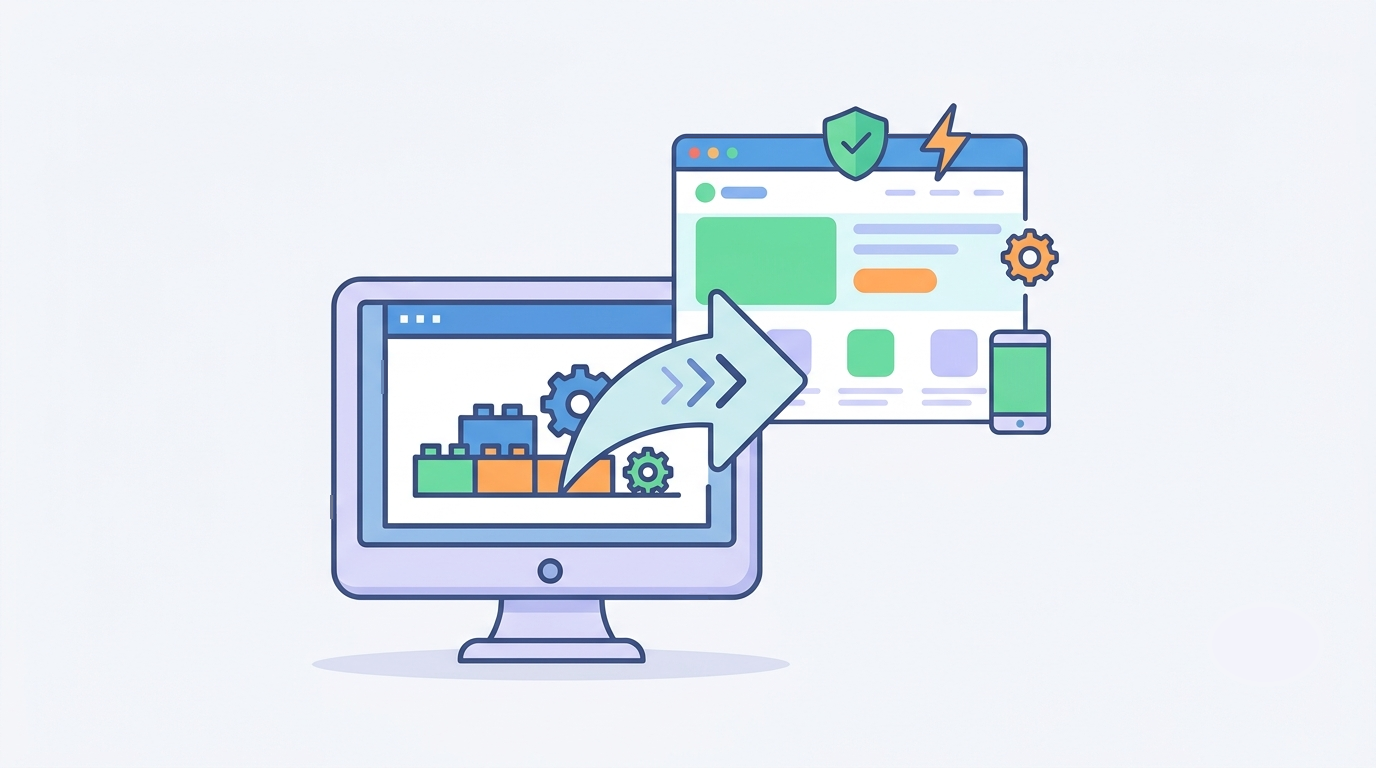
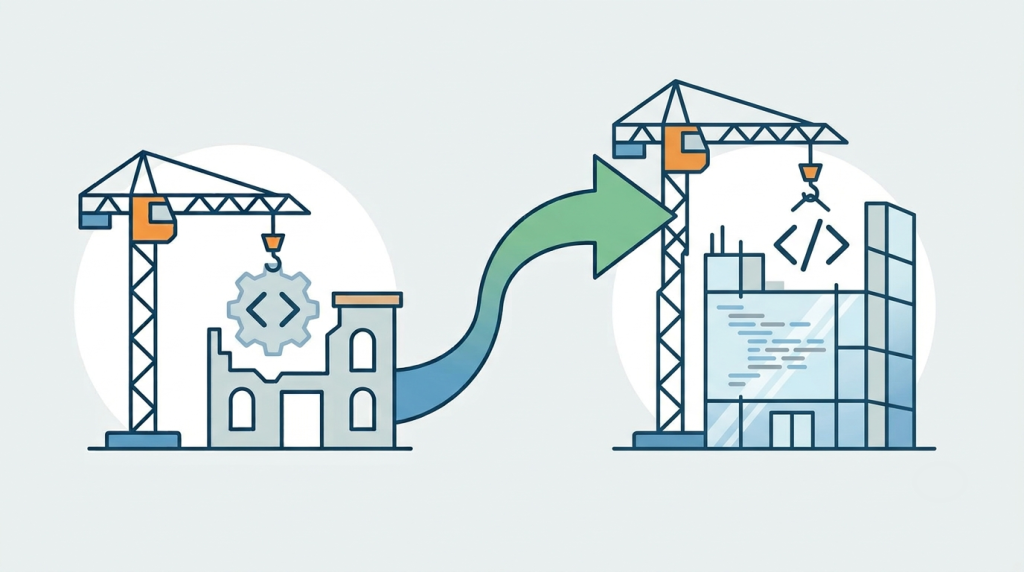
Legacy website modernization means upgrading an existing website so it meets today’s technical and business standards, without necessarily rebuilding it from scratch. Instead of tearing everything down, modernization keeps what already works, such as strong content and hard-earned search rankings, while fixing the parts holding the business back. It differs from a simple redesign, which focuses mainly on appearance. Modernization goes deeper, into architecture, speed, and security, and the two often work best together: a refreshed look built on a fixed foundation.
Signs a Website Has Become Legacy
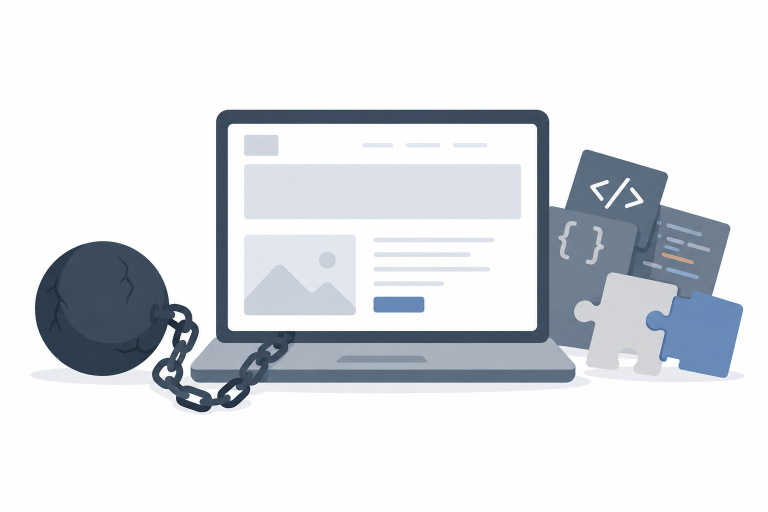
A website becomes legacy when keeping it running gets harder, costlier, or riskier over time, usually because the technology behind it has stopped keeping pace. Warning signs include outdated software, such as unsupported PHP versions or plugins the developer no longer maintains, along with code that only one person on the team ever really understood. Performance tends to suffer alongside this, as bloated pages and leftover scripts slow everything down, which in turn hurts satisfaction, conversions, and search visibility. Security risk grows in step: software that no longer receives updates becomes an easy target for attackers.
The friction shows up operationally too. Marketing teams should not need a developer just to edit a headline, yet many older systems demand exactly that, and developer hesitation is itself a signal worth noticing. When every update feels risky to make, the site has likely built up real technical debt, meaning years of quick fixes have quietly made the system harder to maintain. Mobile experience often lags as well, since many of these sites were built before mobile browsing became the default way people reach a business online. Watch, too, for teams working around the website itself, relying on spreadsheets or manual steps because it cannot connect to the tools they actually need.
Even so, many organizations keep using a website like this simply because it still appears to work. Replacing one can feel expensive and risky, and teams naturally worry about losing rankings, disrupting operations, or retraining staff. These concerns are fair. However, delaying modernization tends to create larger costs later: rising maintenance bills, growing security exposure, and slower development as the underlying system ages further. Rather than solving the problem once, companies often end up spending the same money repeatedly patching symptoms instead.
The Benefits of Modernizing
Faster code, optimized databases, and better hosting improve loading speed noticeably, lowering bounce rates and lifting conversions. Security improves alongside this, since modern platforms receive regular updates and make it far easier to add safeguards such as multi-factor authentication, an extra login step beyond a password, or a web application firewall that filters out malicious traffic.
Content management gets simpler too. Modern systems let non-technical teams publish updates on their own, cutting reliance on developer time. Technical SEO becomes more achievable in turn, since clean code and mobile-friendly layouts support stronger organic visibility. Accessibility is a meaningful gain as well, and modernization offers a natural opportunity to align with WCAG guidelines, the standard framework for making websites usable by people with disabilities. Beyond all of this, a modern architecture makes future development considerably simpler, since new features can be added without rebuilding entire sections of the site.
Strategies and How to Approach the Project
There is no single right approach. The best strategy depends on the website’s condition and the goals driving the project, and most fall into one of five categories.
- Upgrade the existing platform. Update software, plugins, themes, and infrastructure without a full rebuild.
- Replace the CMS. Migrate older proprietary systems to platforms such as WordPress while preserving content and search equity.
- Modernize the front end. Keep existing back-end systems wh
- ile replacing outdated interfaces with modern frameworks.
- Introduce integrations. Connect CRM, payment, and marketing tools to remove manual work and duplicate data entry.
- Modernize gradually. Upgrade one section at a time, spreading investment across phases to limit disruption.
Whichever strategy fits, the same process applies. Start with an audit covering performance, security, accessibility, SEO, and existing integrations, which builds a roadmap grounded in evidence rather than guesswork. From there, define clear business goals, whether that means more enquiries, better conversions, or lower maintenance costs, since every technology decision should support a measurable outcome. Not every issue deserves equal priority, either; address speed, security, and mobile usability first, since these tend to deliver the greatest return. Likewise, protect existing SEO throughout by preserving important URLs and redirecting any that change, so search engines and visitors alike land in the right place.
Before launch, test thoroughly across devices, browsers, forms, and integrations. Skipping this step is one of the most common and costly mistakes in modernization projects, alongside starting without an audit and copying outdated content into the new system without review. Proper planning is usually what separates a smooth transition from months of expensive corrections afterward.
Modernize or Rebuild
Modernization is generally the better choice when the content still holds value, search authority remains strong, and the core business processes still work, with only specific technologies having fallen behind. A full rebuild becomes necessary when the architecture cannot support future needs, when security risks are severe, or when ongoing maintenance already costs more than starting fresh would. An experienced development team can weigh both paths against the website’s actual condition and recommend whichever makes more practical sense.
Frequently Asked Questions
- What is legacy website modernization? It is the practice of upgrading an existing website with modern technology, stronger security, and simpler content management, while keeping the valuable content and functionality already in place wherever possible.
- What is the difference between modernization and a redesign? A redesign focuses mainly on visual appearance and user experience, while modernization addresses the underlying technology, performance, and long-term maintainability. Many projects end up combining both.
- How much does legacy website modernization cost? Costs vary with the size of the website and the scope of work involved. Smaller projects may focus narrowly on performance and security, while larger initiatives can include CMS migration, architecture changes, and third-party integrations.
- Can a website be modernized without losing SEO rankings? Yes. With careful planning, including redirects, metadata migration, and thorough testing before launch, businesses can maintain or even improve their search visibility during a modernization project.
- How long does a website modernization project take? Timelines depend on the site’s complexity and the strategy chosen. Smaller projects can take a few weeks, while enterprise websites with custom functionality and multiple integrations may need several months.
Final Thoughts
A website should help a business move faster, not hold it back. When every update feels difficult and every integration needs a workaround, the underlying issue usually runs deeper than the design. Legacy website modernization is not about chasing the latest trend; it is about clearing the technical barriers that prevent a business from growing, while protecting the search visibility and content value already built up over the years.
If your website has started working against you rather than for you, Web Experts Nepal can audit the current setup and recommend a modernization path suited to your goals and budget, whether that means a full platform upgrade or a phased, section-by-section approach.
Contact UsRelated resources.
React 19: What Is New, What Has Changed, and Should You Upgrade?
Website Technical Debt Explained: What It Is, Why It Matters, and How to Reduce It

What Is MVP Development? Meaning, Process, and Why Startups Use It
Have an idea worth building?
Share your concept with us and we’ll help you shape the right approach.