
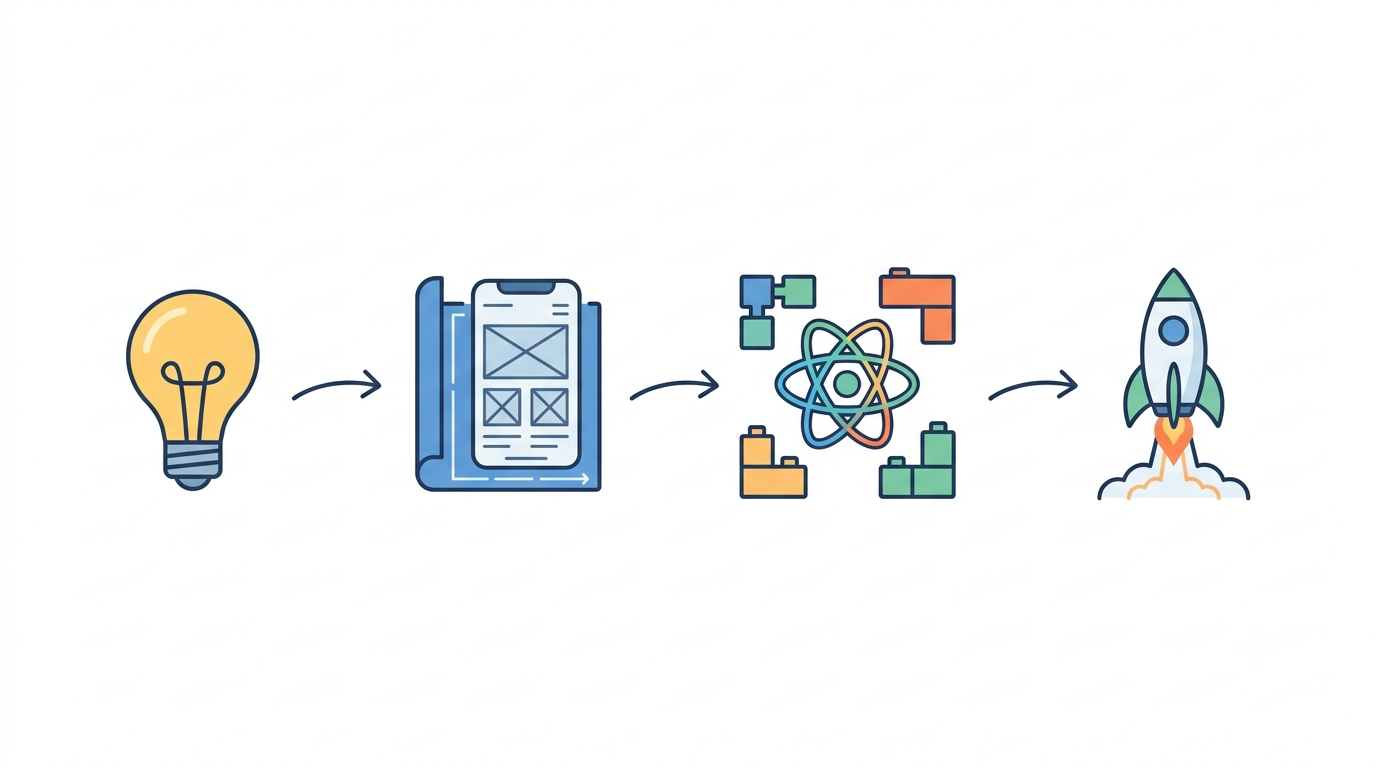
Many businesses decide they need a React application long before they understand what actually goes into building one. Perhaps the current website has become difficult to expand, or the plan is for a customer portal, SaaS platform, or internal dashboard that requires a highly interactive experience. A few conversations with development companies later, proposals start mentioning discovery workshops, component libraries, and CI/CD pipelines, and the whole thing can start to feel like a foreign language.
Successful React projects, despite that first impression, tend to follow a fairly consistent sequence of stages. Knowing what those stages involve makes it easier to estimate timelines, compare proposals on equal footing, and avoid the kind of surprises that derail budgets midway through a build. What follows is how that sequence unfolds, explained in terms that matter to the people signing off on the project rather than only the people writing the code.
Why a Defined Workflow Matters
A React application typically contains dozens or hundreds of moving parts that talk to each other, to databases, and to outside services all at once, which is a very different proposition from a traditional website that mostly displays static pages. Left unmanaged, that complexity shows up as scope creep, inconsistent design, and delays that are hard to explain to stakeholders after the fact. A defined workflow will not remove every risk from a project, but it gives a team a shared reference point for decisions and makes future changes far easier once the application is live.
Discovery and Architecture Planning
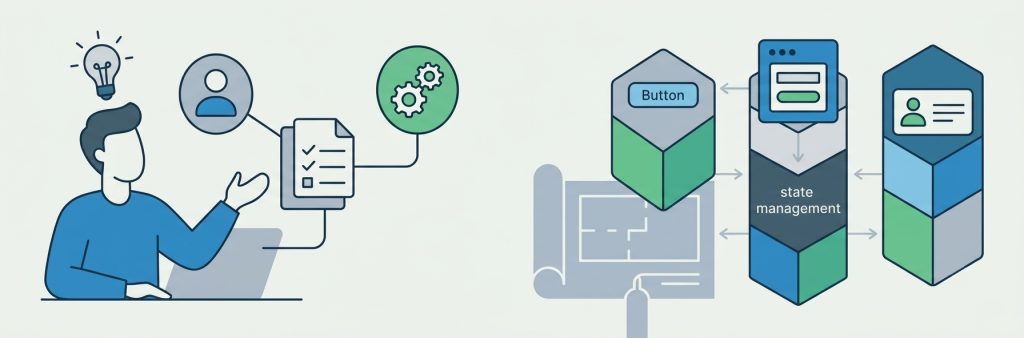
Every React project starts with understanding the business problem rather than writing code. During discovery, the development team works with stakeholders to identify who will use the application, what problems it needs to solve, which features are essential for launch, and which existing systems it must connect to. This stage produces a clear set of requirements, user stories, and a rough roadmap with an estimated timeline. Skipping it to save a week or two is one of the more common reasons projects end up needing an expensive redesign months later.
With requirements settled, attention turns to how the application should actually be built, since the decisions made here affect cost and speed for years afterward. Developers organize the interface into reusable building blocks, such as buttons, forms, and navigation menus, so each piece is built once and reused everywhere it appears. They also plan how the application keeps track of information that changes constantly, such as who is logged in or what a customer has added to a cart. Simple applications can often handle this with the tools built into React itself, while larger or more complex ones typically call for a dedicated system designed for that purpose. Finally, since these applications usually load once and then update themselves as a person clicks around, rather than reloading the entire page each time, the team also maps out how the different screens connect and how information stays in sync with the systems running behind the scenes.
Building the Interface and Connecting It to Real Data
With the architecture set, developers turn approved designs into working, responsive components, building reusable pieces such as menus, forms, and dashboard views rather than one-off pages. Many teams keep a shared library of these building blocks so design and development stay consistent as the application grows.
An interface on its own, though, is only half the picture. It also needs to communicate with the systems that make it functional, including user accounts, product catalogs, payment processing, and analytics. This is where developers build in safeguards, such as clear error messages and automatic retries, so the application keeps working smoothly even when an outside service responds slowly instead of breaking outright.
Performance, Testing, and Deployment
React earns its reputation for speed only when performance is treated as a deliberate goal rather than an afterthought. In practice, this means the application is built so a visitor only downloads what is needed for the page in front of them, instead of the entire application at once, and heavier content such as images loads only when it is about to appear on screen. Developers also streamline the underlying code so pages arrive faster. None of this is visible to a visitor directly, but its absence usually is: it tends to show up as a slow, sluggish application within months of launch.
None of that matters, however, if the application does not actually work as intended, which is why testing starts well before launch rather than at the end. A thorough process checks whether every feature behaves as intended, whether the application works correctly across different browsers and devices, how it holds up under realistic traffic, whether people with disabilities can use it, and whether user accounts and permissions are secure. Many of these checks can be automated, which tends to catch problems earlier and more cheaply than finding them after launch. Once testing confirms the build is solid, the application moves into production, a stage that covers preparing the final version of the code, setting up hosting and security certificates, and putting monitoring in place so the team knows quickly if something goes wrong after release.
Maintenance and Realistic Timelines
Launch is not the finish line. Applications need ongoing updates, security patches, and performance tuning as the technology they rely on continues to evolve, and neglecting this work is a fast route to a site that feels dated or, worse, exposed to security risk.
Project length varies considerably depending on scope: a minimum viable product typically takes six to ten weeks, a standard business application ten to sixteen weeks, a SaaS platform three to six months, and an enterprise build with extensive integrations six to twelve months or longer.
Common Challenges and Best Practices
Even well-planned projects run into friction. Requirements tend to shift once stakeholders see working software for the first time, which a flexible planning process can absorb far better than a rigid one. Connecting to outside systems, such as a CRM or a payment provider, often carries hidden complexity that is hard to estimate up front, and performance tends to slip if it is treated as a one-time task rather than an ongoing discipline. Growth needs the same forward planning, since an application built without room to expand usually ends up needing a major rebuild once demand increases.
A handful of practices, whether the work sits with an agency or an internal team, tend to separate the projects that go smoothly from the ones that do not: defining business goals before development starts, prioritizing the features that matter most for launch, building reusable components instead of page-specific code, and testing throughout development rather than only at the end.
Is React the Right Choice?
React fits well for interactive dashboards, SaaS platforms, customer portals, booking systems, e-commerce applications, and any product built around real-time or data-heavy interfaces. A content-driven marketing site with limited interactivity, on the other hand, is often better served by a well-built WordPress site, which tends to launch faster and cost less to maintain. The right technology comes down to business objectives and long-term maintenance needs rather than whichever framework happens to be trending.
Frequently Asked Questions
- How long does React development take? Simple applications are often completed within six to ten weeks, while larger SaaS or enterprise platforms can take several months depending on complexity.
- Does React include the backend? No. React handles what the user sees and interacts with, not the data storage or business logic running behind the scenes. Most projects pair it with a separate backend technology chosen to fit the team’s existing systems, such as Node.js.
- Is React suitable for SEO? Yes. React applications can achieve strong search engine results with the right setup, most commonly a framework such as Next.js, which prepares pages so search engines can read them properly rather than waiting on content to load in the browser first.
- Can React connect to existing systems? Yes. React applications commonly integrate with CRMs, ERPs, payment gateways, content management systems, and other internal software.
- How much does React development cost? Cost depends primarily on complexity, the number of systems it needs to connect to, and feature scope, so a basic MVP costs considerably less than an enterprise application with advanced functionality.
Final Thoughts
Building a React application involves far more than writing code. It spans business planning, technical architecture, interface development, testing, performance, and long-term maintenance, and understanding each stage makes proposals easier to evaluate and expectations easier to set. When choosing a development partner, look for one that treats planning and long-term support with the same seriousness as the initial build. That is usually what separates an application that still performs well three years from now from one that needs a costly rebuild much sooner.
Contact UsRelated resources.
No-Code vs Professional Web Development: When DIY Website Builders Stop Being Enough

Quality at scale: Lessons from reviewing 20,000 photos

Rethinking Speed: From Page Load to System Efficiency
Have an idea worth building?
Share your concept with us and we’ll help you shape the right approach.