
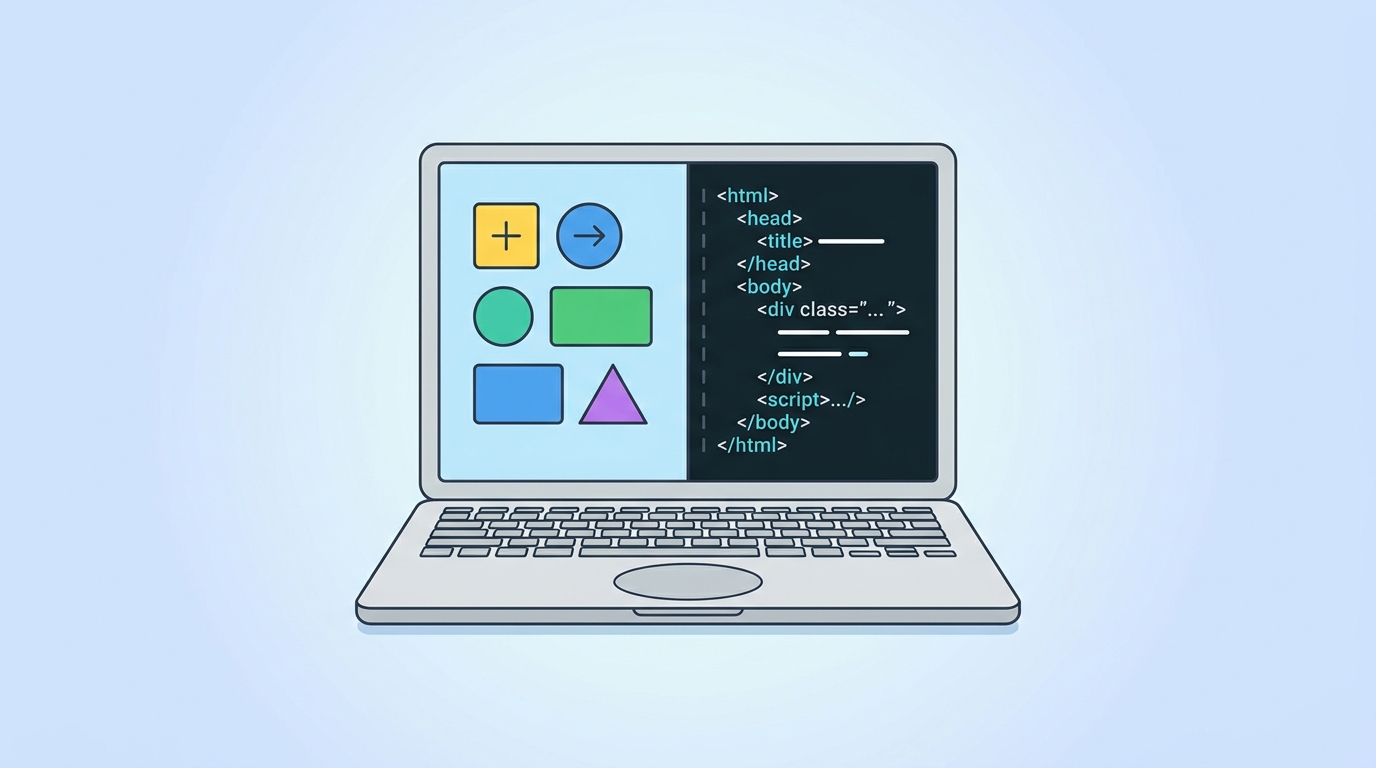
Your website was supposed to save you time. Instead, it is costing you time, customers, and sleep. That shift, quiet at first and then impossible to ignore, is the moment every growing business eventually reaches with its DIY website.
No-code website builders such as Wix, Squarespace, and Shopify are ideal for launching quickly and cheaply, but they trade away control. Professional web development, by contrast, costs more upfront and takes longer to launch. In exchange, it gives a business far greater control over how the website performs, integrates with other tools, and grows over time. Ultimately, the right choice depends on how complex your website’s job has become, not on which option sounds more impressive.
Most businesses start the same way. First, you pick a template, change the colors, add a logo, write a few paragraphs, and connect a domain. Within an afternoon, there is a working website. For a new business, freelancer, or local service provider, that is usually a smart first move. Later, though, as the business grows, the trouble tends to show up: marketing wants tighter control over search rankings, sales wants the website connected to a CRM, and customers expect a faster, smoother mobile experience. Eventually, the website that was built to save time becomes the thing holding the business back. That raises the real question: when does a DIY builder stop being enough, and when is it time to bring in a professional web development team?
What a no-code website builder actually gives you
Platforms such as Wix, Squarespace, Webflow, and Shopify let you build and manage a website without writing a single line of code. Most include ready-made templates, drag-and-drop editing, hosting, a domain manager, basic search engine optimization (SEO) tools, and simple plug-in features for forms or online stores.
The appeal is straightforward: you do not need a developer to get started. So if your business only needs a homepage, an about page, a services page, and a contact form, a builder is often all you need. The mistake, however, is assuming a simple website will stay simple, since business requirements tend to change faster than most owners expect.

No-code vs professional development
The real difference has nothing to do with whether you personally write code. Instead, it comes down to how much control you have once your requirements become more complicated.
| Area | No-Code Website Builder | Professional Web Development |
| Setup speed | Fast | Requires planning |
| Custom functionality | Limited to available plug-ins | Highly flexible |
| Design control | Limited by the template | Extensive |
| Site speed | Depends on the platform | Can be optimized directly |
| Long-term flexibility | Depends on the platform | High |
| Upfront cost | Usually lower | Usually higher |
| Best suited for | Simple sites, early-stage businesses | Growing, more complex businesses |
Why DIY builders work well at first
No-code platforms earn their popularity honestly. For one, you can launch quickly, which matters most while you are still testing whether customers want what you are selling. Upfront costs also stay low, since you pay for a monthly subscription instead of a development project. Meanwhile, non-technical staff can make routine changes themselves, such as updating a phone number or publishing a blog post, without waiting on a developer. And for common needs like contact forms, basic online stores, and newsletter signups, a ready-made plug-in usually solves the problem without any custom work.
Where they start to struggle
Generally, the platform itself rarely breaks down. Instead, problems arise when the business starts asking it to do things it was never built to do. A few struggles come up often.
Missing functionality: For example, a ready-made plug-in might get you seventy percent of the way toward what you need, whether that is a custom CRM connection, a member login area, or pricing that depends on several variables. The remaining missing thirty percent, however, is what forces the business to change how it works just to fit the platform.
Too many add-ons: One app handles forms, another handles pop-ups, another handles memberships, and another exists just to fix what the last one broke. The site still works, but it becomes harder to maintain and more fragile with every addition. Consequently, this is usually the clearest sign the website needs a more deliberate technical foundation rather than another patch.
Slower pages that cost real money: A hosted builder manages most of the technical infrastructure for you, which is convenient, but it limits how much you can speed up page loading or image delivery. Custom development does not automatically produce a faster website, since poor development can be slow too. Still, it gives you far more room to fix the problem once slow pages start affecting sales.
Complicated connections between systems: Sending a contact form to an inbox is simple. Connecting a website to a CRM like HubSpot, a payment system like Stripe, and a customer account so all three stay in sync, though, is not. That kind of setup needs secure logins, careful data handling, and ongoing upkeep. In short, it is genuine software work rather than a quick app install.
A site too important to risk breaking, or too outgrown to feel like your brand: Once a website drives a meaningful share of leads or sales, downtime has real financial consequences. So reliable hosting, backups, and a recovery plan become necessary rather than optional. Similarly, a template that looked distinctive a year ago now looks like every competitor’s site, since they are probably using the same one. Once you find yourself fighting the template instead of building what the website should actually look and work like, that is usually the sign to move on.
A practical path forward
Few businesses need to choose between a basic builder and a fully custom application on day one. Instead, a sensible approach evolves in stages: launch simple, improve it as traffic grows, then rebuild once the platform becomes a genuine obstacle rather than a minor inconvenience. When that rebuild happens, first note down the specific problems. Then choose the technology based on what actually solves them, whether that is WordPress or a fully custom build.
One question cuts through most of the uncertainty: are you building the website around your business, or changing your business to fit the website? If it is increasingly the second one, a professional review is probably overdue.

What professional web development actually delivers
A good development process starts by understanding the business problem before writing a single line of code: who uses the site, where leads actually come from, and what the business may need two or three years from now. From there, the right approach follows naturally. For many businesses that have outgrown a DIY builder but do not need something fully custom, a professionally built WordPress site hits a practical middle ground. It gives non-technical teams a content system they can use every day, while still giving developers the flexibility to build real functionality around it.
A professionally built WordPress site also needs a security plan from day one, not as an afterthought, but as part of how the site is set up and maintained from launch.
Do not wait for the website to break first
The worst time to rethink your website is right after something has already failed. A rushed rebuild under pressure means migrating content, rebuilding search rankings, and replacing every integration all at once. Naturally, that costs more than planning ahead ever would.
Instead, watch for the everyday warning signs: your team reaching for yet another plug-in, asking why a page loads so slowly, wondering if the site can finally talk to your CRM, or needing a developer just to change a line of text. On their own, these are minor frustrations. Together, though, they usually mean the website has quietly become the constraint holding the business back and needs a significant revamp.
Frequently Asked Questions
- How much does professional web development cost compared to a no-code builder?
No-code plans run roughly $20 to a few hundred dollars a month. Custom builds cost more upfront, but total cost, including lost time and workarounds, often evens things out. - Will switching to a custom site hurt my search rankings?
Only if handled carelessly. A proper rebuild redirects existing web addresses correctly, so rankings usually hold. - How long does a website rebuild take?
A simple redesign takes a few weeks. A build with custom features or integrations often takes a few months. - Can I keep my existing content, or start over?
Most content and images can be migrated. Some cleanup is common, but a full rewrite rarely is. - Do I have to abandon my no-code tools completely?
Not usually. Many businesses keep tools like email marketing platforms while the core site runs on a custom foundation. - Is WordPress just another website builder, or is it genuinely different?
WordPress is open-source software, not a hosted builder like Wix or Squarespace, so its behavior depends on how it is set up. A cheap template can feel just as limiting as any other builder, while a professionally built WordPress site is shaped around the business itself.
What happens if my business needs change again after a professional rebuild?
A well-built custom site is designed to be extended, not replaced. Adding new features or integrations later is usually a matter of building on what already exists rather than starting from scratch.
At Web Experts Nepal, we help businesses move past these limits with professional WordPress development, custom integrations, performance improvements, and full website rebuilds. If your current site feels like it is working against you rather than for you, get in touch for a free website review.
Contact UsRelated resources.
Is Headless WordPress Worth It?

What Is MVP Development? Meaning, Process, and Why Startups Use It
WordPress Security Checklist for Business Owners
Have an idea worth building?
Share your concept with us and we’ll help you shape the right approach.