
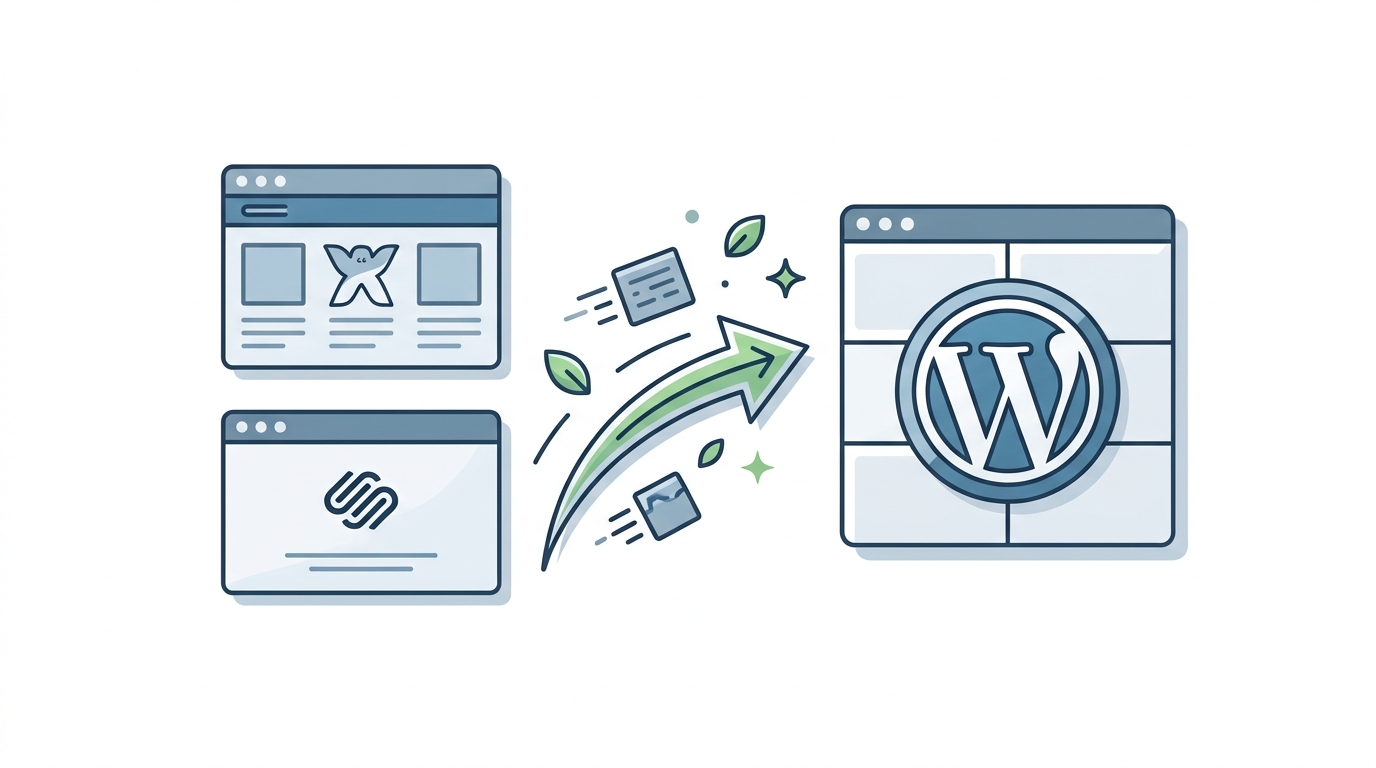
If your website has not changed in years while your business has, that gap is usually the first sign a platform switch is overdue.
Migrating from Wix or Squarespace to WordPress means moving your content and search rankings to a platform that gives your business more control and room to grow. Done well, the move protects the traffic, rankings, and user experience you have already built.
Both of these platforms get a business online fast, without a developer or much time learning a new system. Over time, though, businesses change and the requirements to grow and maintain their websites change likewise. A company might want more control over technical SEO, such as how search engines crawl and index the site, along with faster load times or a website its own team can extend without hitting platform limits. That shift is usually what brings WordPress into the conversation.
A proper migration accounts for content, URLs, images, search visibility, analytics, and performance at once. Handled well, it gives a business real control without losing the traffic already earned.
Why businesses move from Wix or Squarespace to WordPress
Wix and Squarespace remain solid choices for a simple website with little technical work. So when businesses switch over to different platforms they rarely do it because the current ones are bad. They switch because their needs have outgrown what the platform can easily provide, and that is when a company decides to migrate from Wix to WordPress, or make the same move from Squarespace.
Common reasons include more control over functionality and hosting, more flexibility for custom development, custom content types, and easier integration with CRMs, payment systems, and marketing tools, plus a large ecosystem of themes, plugins, and developers.
A caveat worth noting is that Wix and Squarespace manage the hosting and server setup for you. Meanwhile, WordPress hands that responsibility to your own team, including hosting choices, updates, and backups. Nevertheless, for businesses that want the added control, the extra responsibility tends to be worth it.
Start with an audit, not a rebuild
The instinct to jump straight into rebuilding pages is understandable, but it skips a useful step. The current website already holds real information about what works and what does not. So, take a moment to build an inventory of important pages, blog posts, images, forms, navigation, internal and external links, existing page titles, meta descriptions, and current analytics setup. Pay close attention to the URL structure and to pages already bringing in search traffic, leads, or sales. Skip this step, and small problems tend to surface later as expensive ones.
Plan the structure first, then choose hosting
Before development begins, decide how the new WordPress site will be organized, paying special attention to navigation, page hierarchy, blog structure, categories, and internal linking. Resist the urge to change everything simply because the platform is changing. If an existing URL already performs well in search, keeping it on WordPress makes the migration smoother from an SEO standpoint; if the current structure is a mess, this is a reasonable moment to clean it up, as long as the decisions happen before development rather than after launch.
Hosting matters just as much, since it shapes performance, security, and reliability. Look for a provider offering reliable uptime, SSL certificates (the padlock that keeps data encrypted between the site and its visitors), automated backups, and enough server capacity for your traffic. A staging site, where changes can be tested before they go live, is also worth having. Managed hosting suits businesses that would rather not run servers themselves, and the cheapest plan on offer is rarely the right foundation.
Rebuild with intention, not just imitation
Once the structure is settled, the rebuild becomes more than a content transfer. A redesign is not mandatory if the current look still works well; design can simply be recreated closely instead. Pages and blog posts need to carry over while keeping their formatting, images, and links intact, and forms, search, payments, and newsletters have to be rebuilt using the right WordPress tools.
This stage also opens a chance to manage content more efficiently. A website with dozens of team profiles or product pages, for example, can use one consistent layout for all of them instead of building each page from scratch.
Media tends to be the messiest part of any migration, so confirm images transfer correctly, remove unused files, compress oversized ones, and add meaningful alt text (short descriptions that help search engines and screen readers understand an image) where it is missing.
Protect the SEO that you have already earned
This is arguably the most important part of the process. A new website can look sharper and still lose search traffic if its URLs and SEO settings are not handled carefully.
Before launch, document every existing URL and compare it against the new WordPress structure. If a URL changes, a 301 redirect should send visitors and search engines to the new address. For instance, example.com/services/web-design might become example.com/services/website-development, and without a redirect, both land on a dead end instead.
Review the site’s page titles, meta descriptions, and headings before launch too, along with the XML sitemap (which helps search engines find every page) and robots.txt (which tells search engines what to crawl). An SEO plugin is a good habit, but it is not the same as an actual SEO migration.
Rankings do not disappear automatically during a move. Instead, the risk comes from changing the domain, URLs, and technical setup at once, so identify which pages pull in the most traffic or links from other websites, and give those extra attention. Tracking deserves the same care: confirm Google Analytics, Search Console, and CRM or email integrations all carry over, then test each important event after launch. A site can look flawless while quietly losing conversion data behind the scenes.
Test, launch, and then keep watching
A new website should never go live the moment development wraps up. Running through a short WordPress migration checklist before launch catches most problems early:
- Confirm pages, images, downloads, links, and forms all work, that redirects are correct, and that search engines can still find and list every page.
- Review performance through Core Web Vitals, Google’s measures of loading speed, responsiveness, and visual stability, along with accessibility and security basics such as active SSL, secured admin accounts, and working backups.
The switch itself works best as a planned event rather than a single button press. Once redirects, tracking, and backups are confirmed ready, the DNS change (the setting that tells the internet where your website now lives) can go ahead, ideally with the old website still reachable for a while in case anything needs troubleshooting.
Right after launch, visit key URLs manually, submit a few test forms, and confirm analytics data is coming through, then keep watching traffic, rankings, and 404 errors over the following weeks. Some issues only show up once real visitors and search engines interact with the live site.

Should you make the move?
If the current Wix or Squarespace website still does everything the business needs, there may be little reason to change it. For companies repeatedly bumping into platform limits, though, the switch is worth serious consideration as a genuine website platform migration rather than a simple rebuild, since the content, SEO value, and functionality already built up carry real value worth protecting. A move from Wix or Squarespace to WordPress can be a smart step once a website has outgrown its platform, as long as the goal is building something stronger rather than simply switching systems. Get the planning right, and the result is a business with real control over its own website.
Need help migrating to WordPress?
A WordPress migration is only as good as the team handling it, and this is where experience makes the difference between a smooth switch and a stressful one. Web Experts Nepal has been building and migrating WordPress websites since 2013, with more than 1,400 projects delivered across 10 or more countries. That range covers everything from small business sites to complex, custom-built platforms, so the team has already solved most of the problems a migration can throw up.
If your Wix or Squarespace website has started holding your business back, reaching out to Web Experts Nepal is a reasonable next step. The team can review the current site, map out what a migration would involve, and give a clear picture of scope and timeline before any commitment is made.
Contact UsFrequently Asked Questions
- Will I lose my Google rankings when I migrate to WordPress? Not necessarily. Ranking drops usually come from poor execution, such as missing redirects, rather than the migration itself. Careful planning with 301 redirects lowers that risk substantially.
- How long does a Wix or Squarespace to WordPress migration usually take? Timelines vary with site size and complexity, but most business migrations take a few weeks to a couple of months when the audit, redesign, and testing get proper attention instead of being rushed.
- Do I need a developer to migrate to WordPress? Simple content moves can sometimes work with migration plugins alone, but most sites benefit from developer involvement, especially for custom functionality and SEO preservation.
- Will my domain name change when I move to WordPress? No. You can usually keep the same domain name when migrating from Wix or Squarespace to WordPress. The domain is separate from the website platform, so the migration can happen without changing the web address your customers already know.
- Will my website go offline during the migration? It does not have to. A WordPress site can be built and tested before the final switch takes place. Once everything is ready, the domain can be pointed to the new site. With proper planning, any interruption can usually be kept to a minimum.
- What happens to my Wix or Squarespace website after I move to WordPress? The old website should generally remain available until the new WordPress site has been fully tested and the migration is confirmed to be working correctly. After that, the old site can be cancelled. Keep copies of important content and assets before closing the old platform.
Related resources.
Best Payment Gateway Integrations for WooCommerce
React 19: What Is New, What Has Changed, and Should You Upgrade?

How to Scale a WooCommerce Store Without Breaking Performance
Have an idea worth building?
Share your concept with us and we’ll help you shape the right approach.